MatePoints 2.0 — chores that tap themselves done 🎉
Stick a tag or a code where a chore actually happens, tap your phone, and the points land instantly — no digging through the app to log anything.

Chores, gamified — now with a single tap.
This is the big one. MatePoints hits version 2.0, and it leads with the feature we've been dreaming about: NFC & QR tap-to-complete. Stick a tag or a code where a chore actually happens, tap your phone, and the points land instantly — no digging through the app to log anything.
(Why a major version? NFC is a milestone, and it can change how completions work under the hood — so it earns the 2.0.0.)
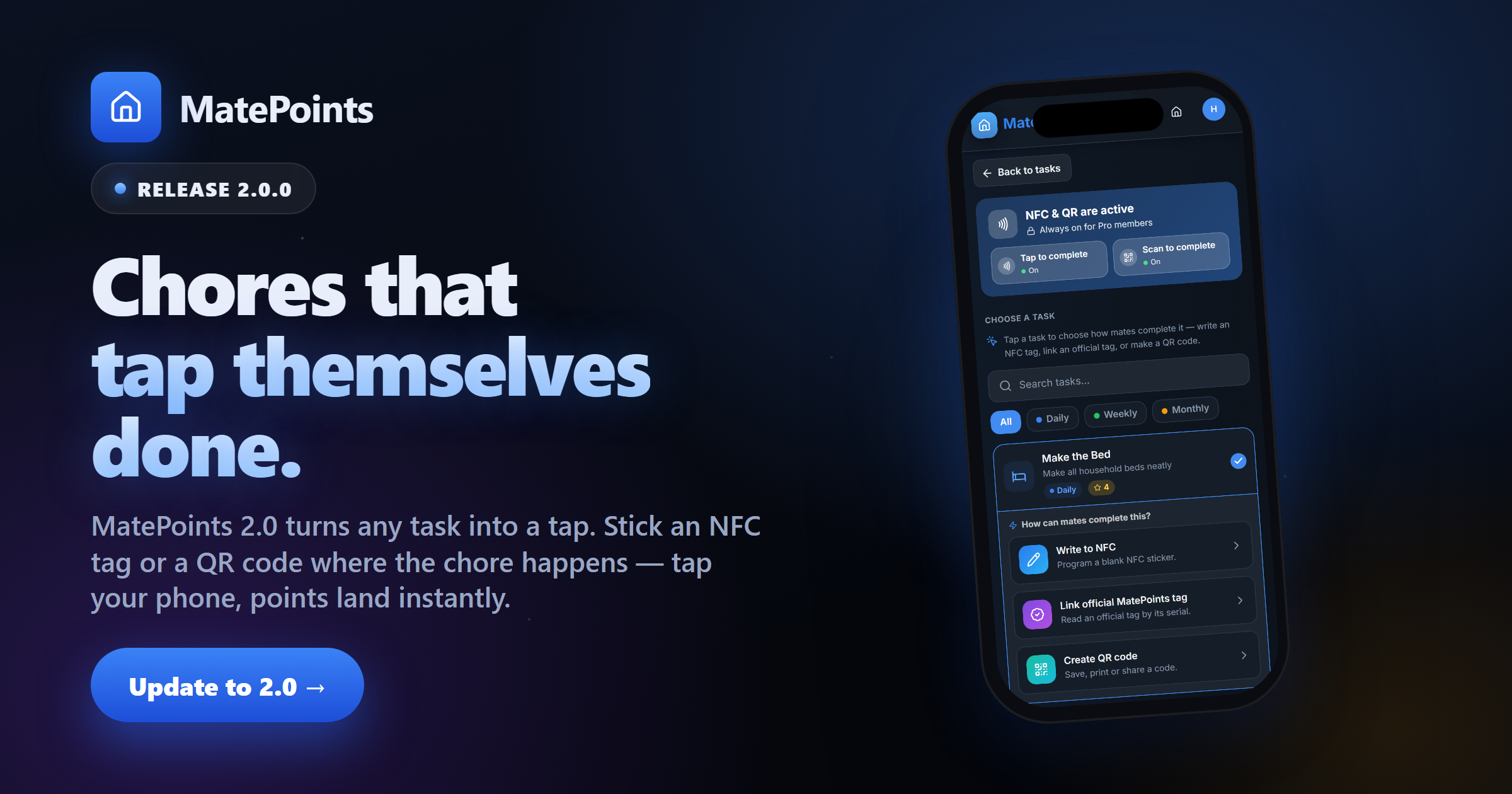
📲 One task, three ways to tap it done
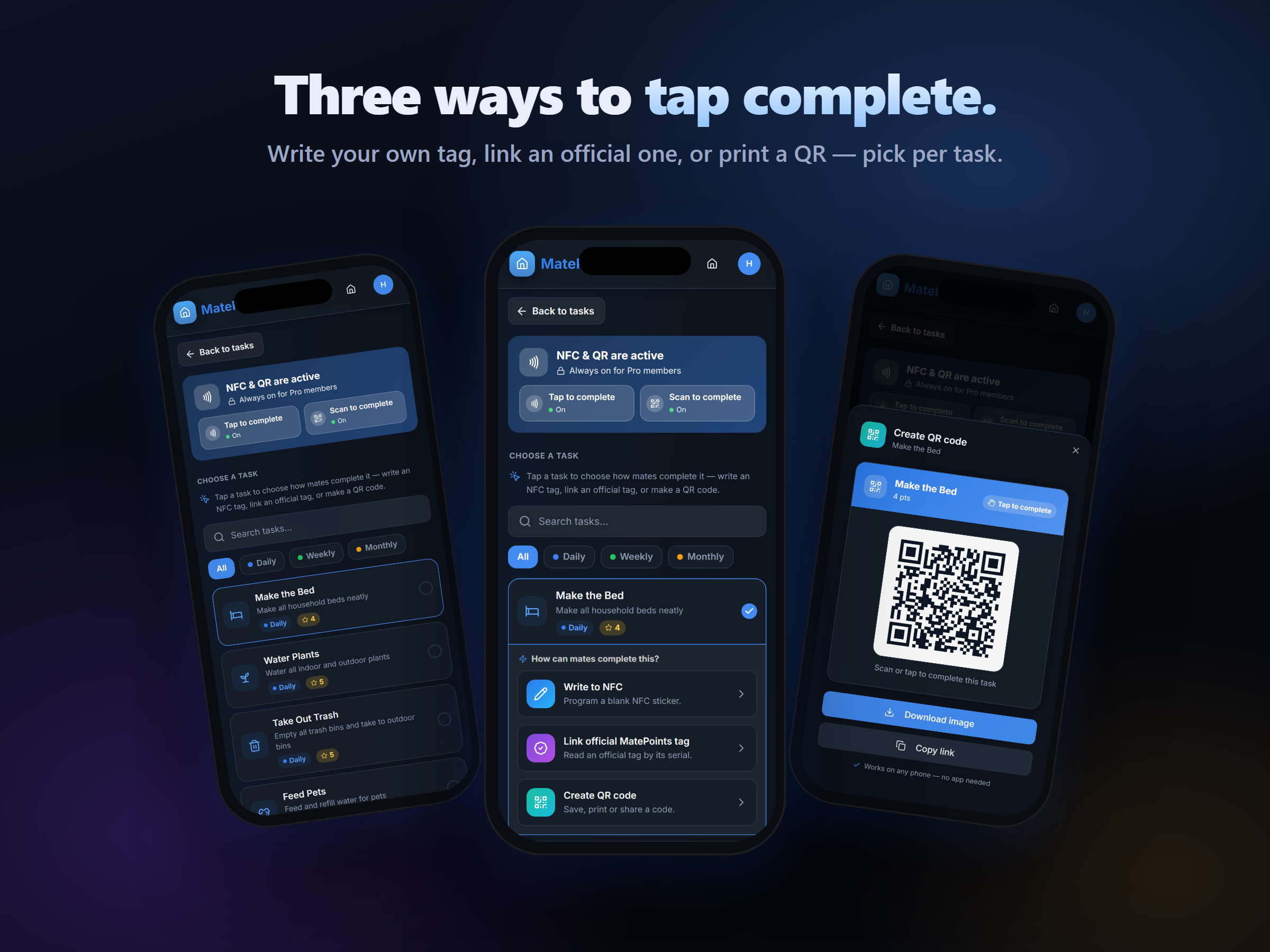
Open any task on the new NFC & QR page, and you choose how your mates complete it. Write your own tag, link an official MatePoints tag, or print a QR code — mix and match per chore.
✍️ Write your own NFC tag (Android)
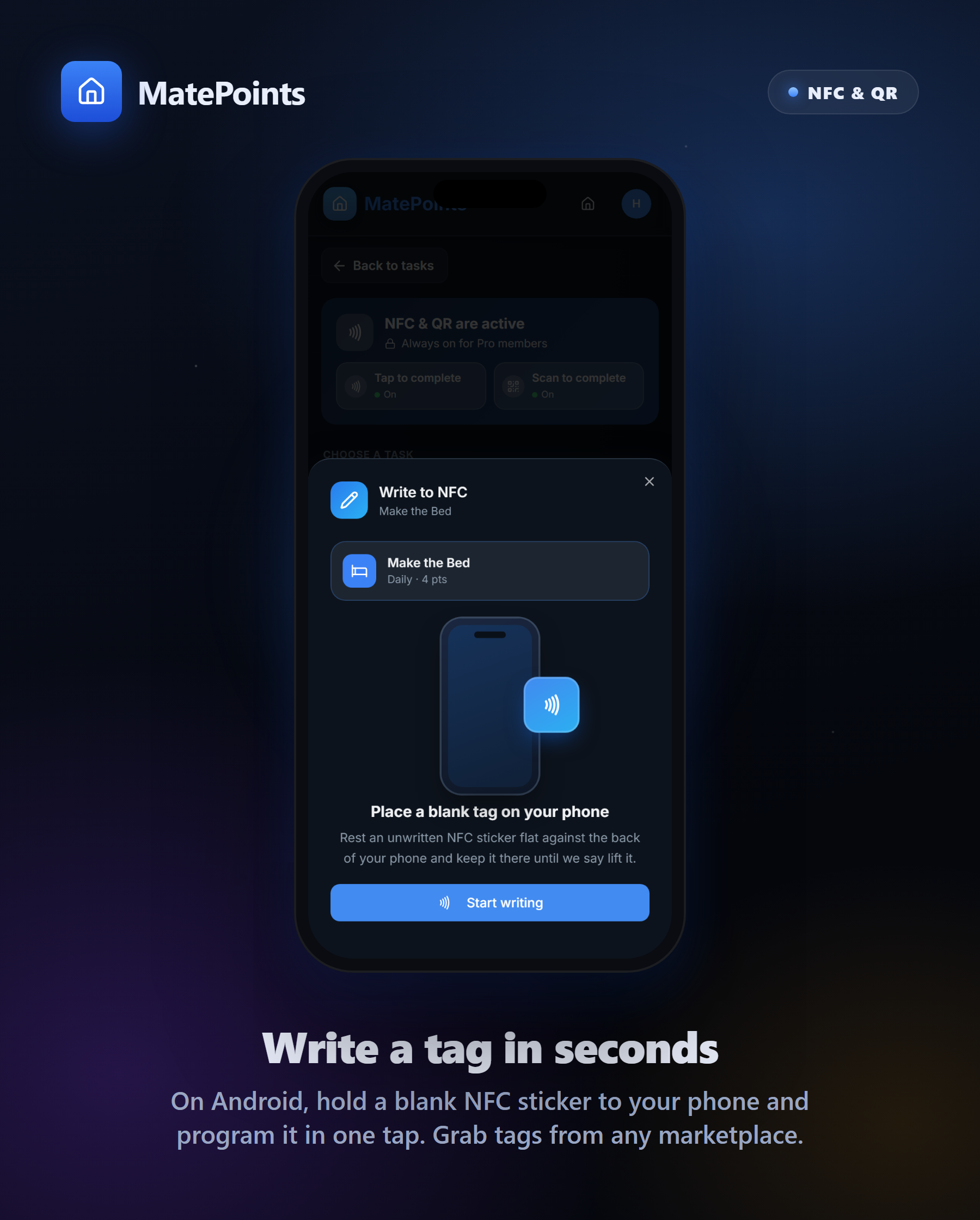
Got an Android phone? You can program a blank NFC sticker yourself in seconds — hold the tag to your phone, tap once, done. Tags are cheap and available on just about any online marketplace (we don't sell blank tags — grab whichever you like).
🔳 No NFC? Print a QR code
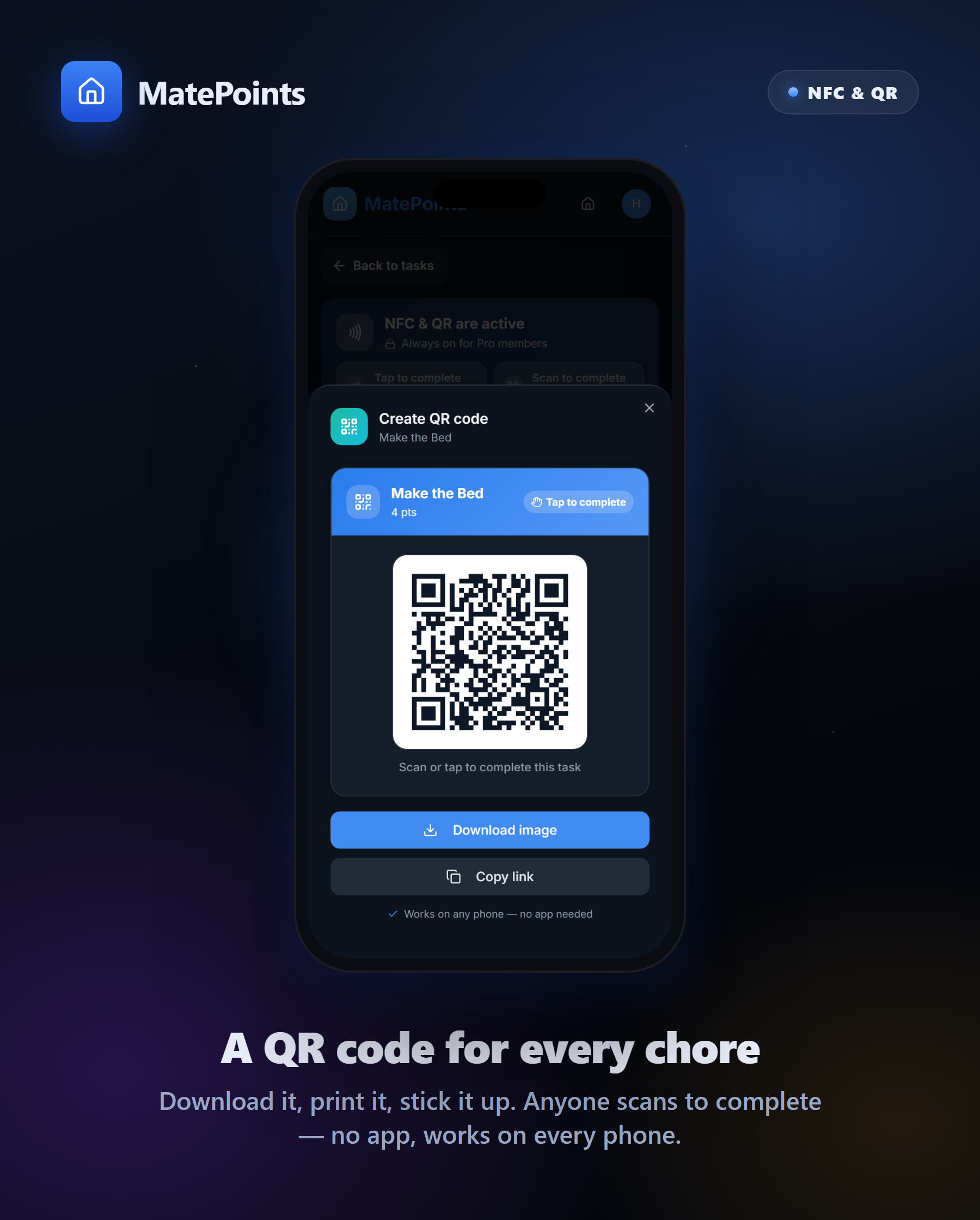
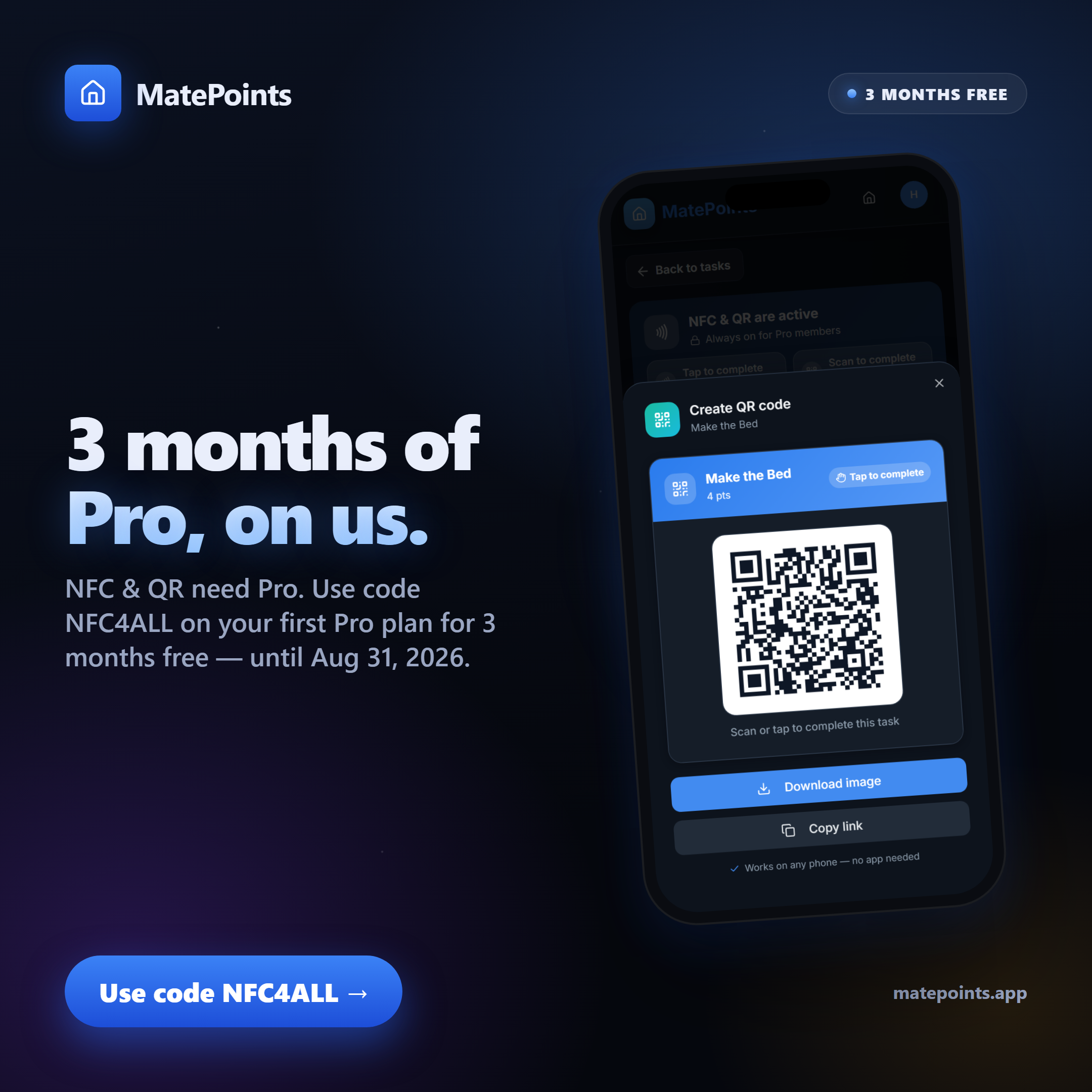
iPhone, desktop, or just no tag handy? From the very same screen you can download a QR code and print it out. Stick it on the dishwasher, the bins, the plant shelf — anyone scans or taps it to complete the chore. Works on every phone, no app required.
🏷️ Official MatePoints tags — early access
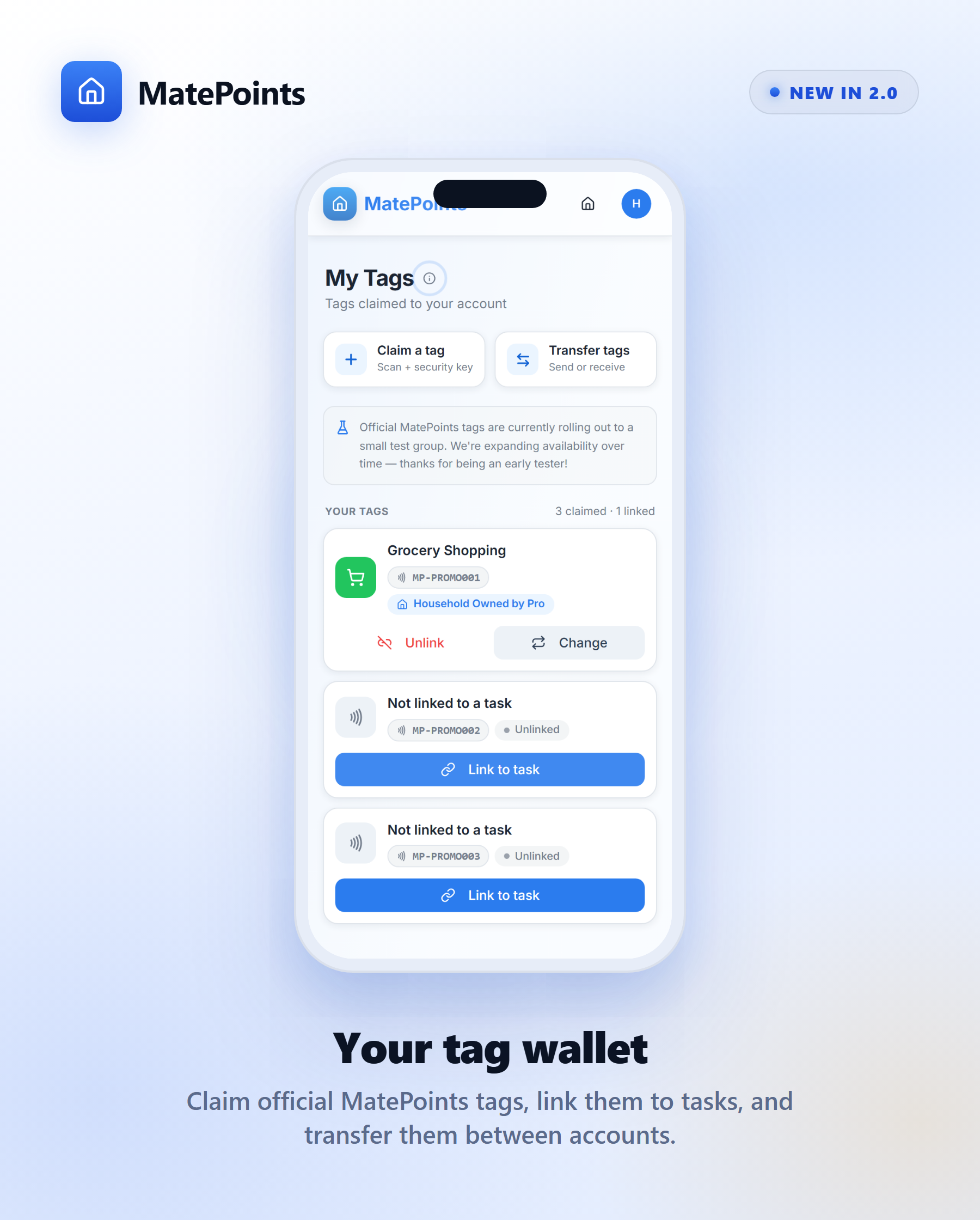
Can't write your own? We're also starting to roll out the official MatePoints tag — a good-looking tag that works only with MatePoints. Claim it to your account, link it to a task, and you're set.
This one is still in early development with a small group of testers, so it isn't available for everyone yet — we're expanding access over time. You don't need an official tag (your own blank tag or a QR works today), and when the official tags go on sale we'll send a separate note with all the details.
🔑 The Pro bit (and a gift to get you started)
NFC & QR completion is a Pro feature. Anyone in the household can create tags and QR codes, but they only actually complete chores if at least one household owner is on Pro — and just one is enough to switch it on for everyone.
To celebrate 2.0, we're giving away 3 months of Pro, free:
🎁 Use code
NFC4ALLRedeem it on your first Pro subscription for 3 months free. Valid until 31 August 2026 — grab it before it's gone!
✨ Plus a whole lot of polish
2.0 isn't just NFC. Under the hood and around the edges:
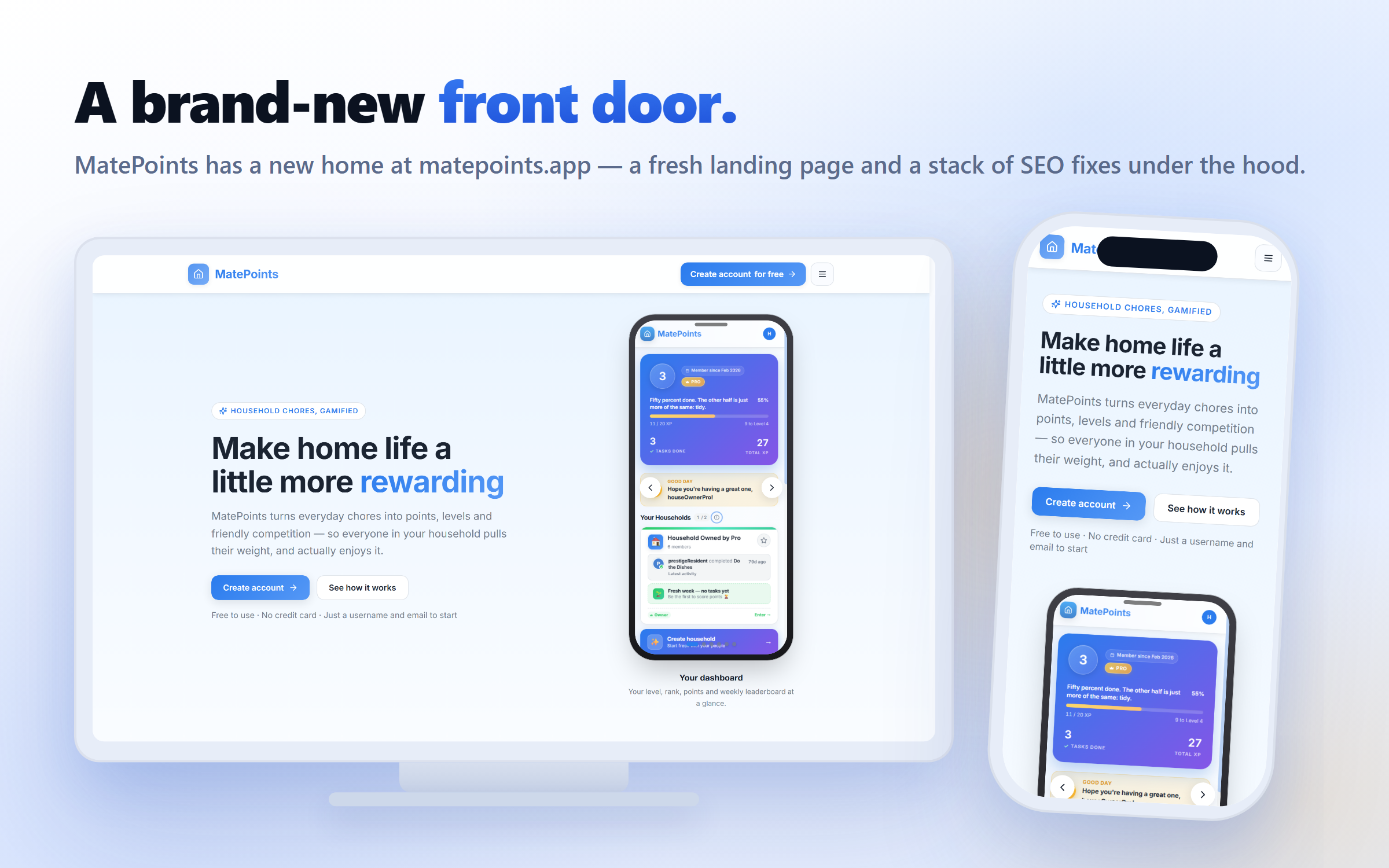
- 🚪 A brand-new front door. MatePoints has moved in full to matepoints.app, with a fresh, professional welcome page that walks new visitors through what MatePoints is — and lets you jump straight to sign in or sign up. (Farewell, beta.matepoints.com and the old "coming soon" page.)
- 🔍 SEO & sharing, sorted. A big pass of SEO fixes and social-share cards so MatePoints looks sharp wherever it's linked.
- 🧹 …and a pile of smaller improvements and fixes across the app.
Ready to make chores tap themselves done?
👉 Update, open a task's NFC & QR page, and tap that first tag.
Don't forget NFC4ALL for 3 months of Pro on us.
Chores, gamified. — the MatePoints team · matepoints.app · @matepoints