MatePoints 2.2.0 — achievements now do the little extra
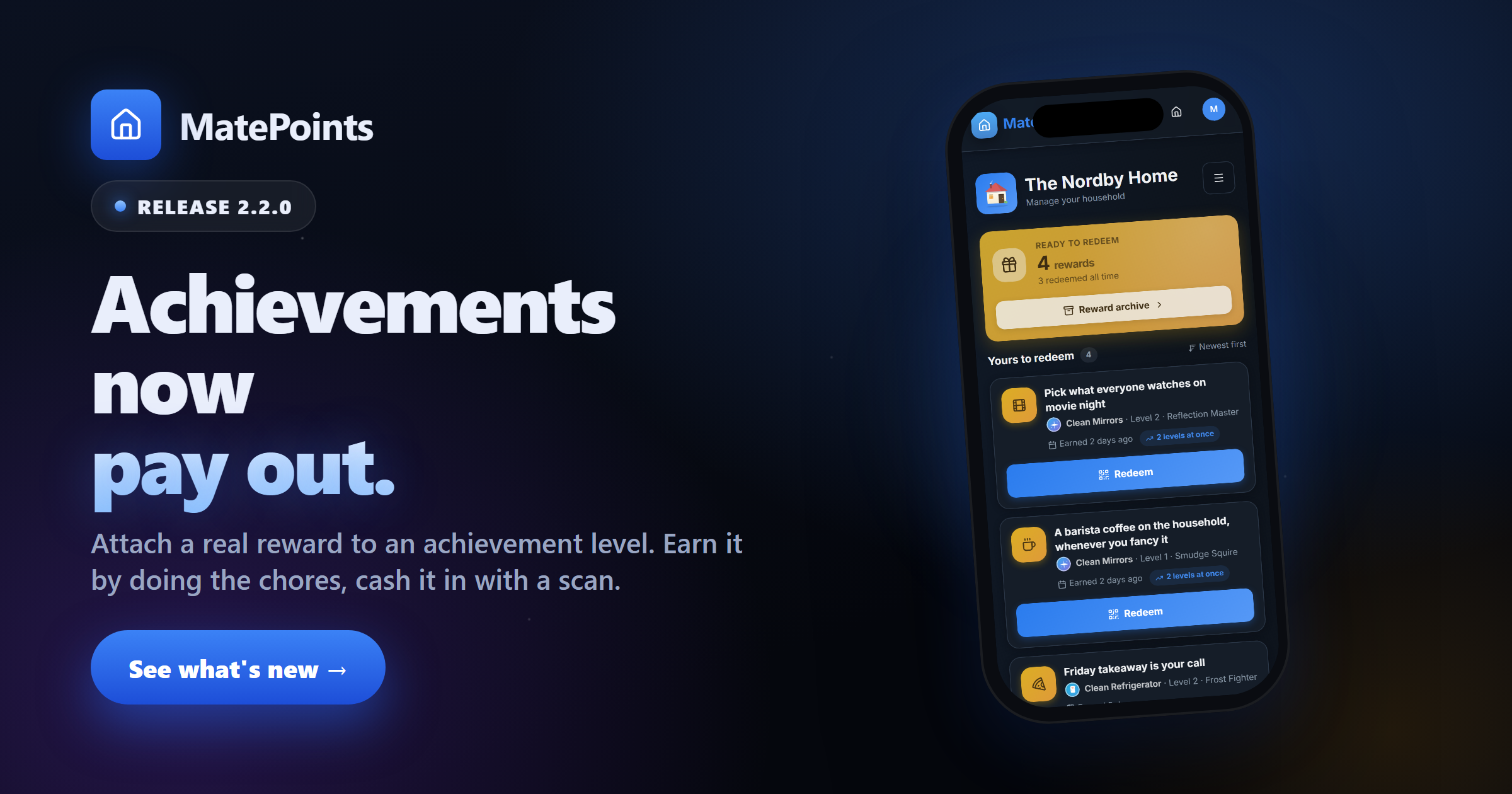
Attach a real reward to an achievement level, earn it by doing the chores, and cash it in with a scan.

The thing people kept faking
Households have been doing this for a while already, just badly. Someone renames an achievement level to "Friday pizza pick", the kid hits it, and… that's it. Nothing recorded that the pizza ever happened. It works exactly once, and then everyone argues about whether it did.
2.2.0 makes it real. An achievement level can now carry an actual reward. Cross the level and the reward is yours. Hand your phone to an approver, they scan it, and it's logged — permanently, with their name on it.
Rewards live on the achievement card
Pin a reward to level 1, 2 or 3 and it shows up right where the progress is. Claimed rungs go gold. The one you haven't reached yet sits locked underneath, which turns out to be a very effective thing to look at while deciding whether to do the washing-up.
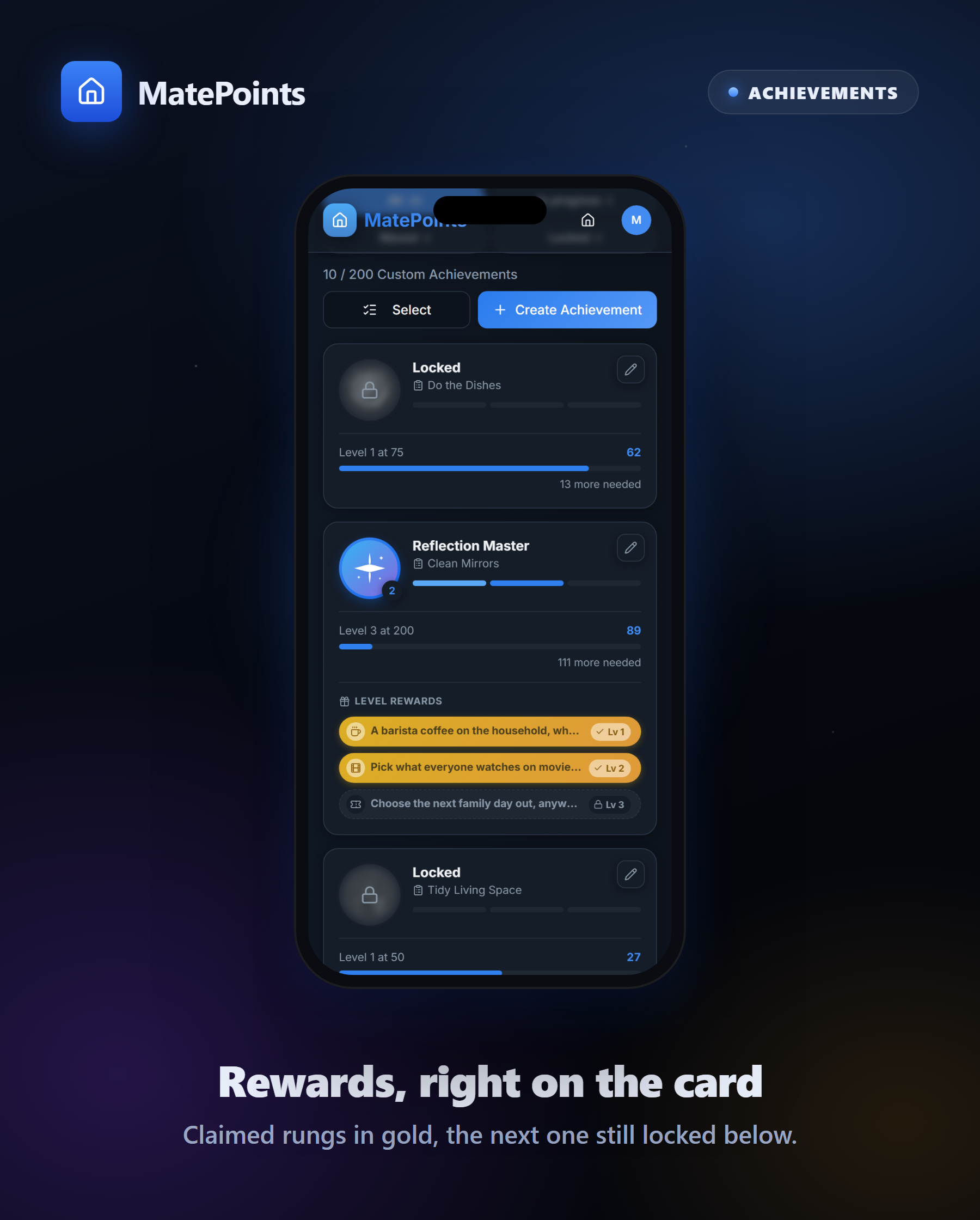
The Achievements page was rebuilt around this. There's now a collection ring showing how much of the set your household has actually cleared, live counts for unlocked and maxed-out, and filters for the ones still in progress.
Redeeming means handing your phone over
This is the part we thought hardest about.
A reward you can quietly mark "redeemed" from a settings screen isn't a reward — it's a checkbox. So redemption goes through a short-lived QR code instead. You open the reward, an approver or the owner scans it on their device, and they confirm. Your screen flips to a confirmation the moment they do.
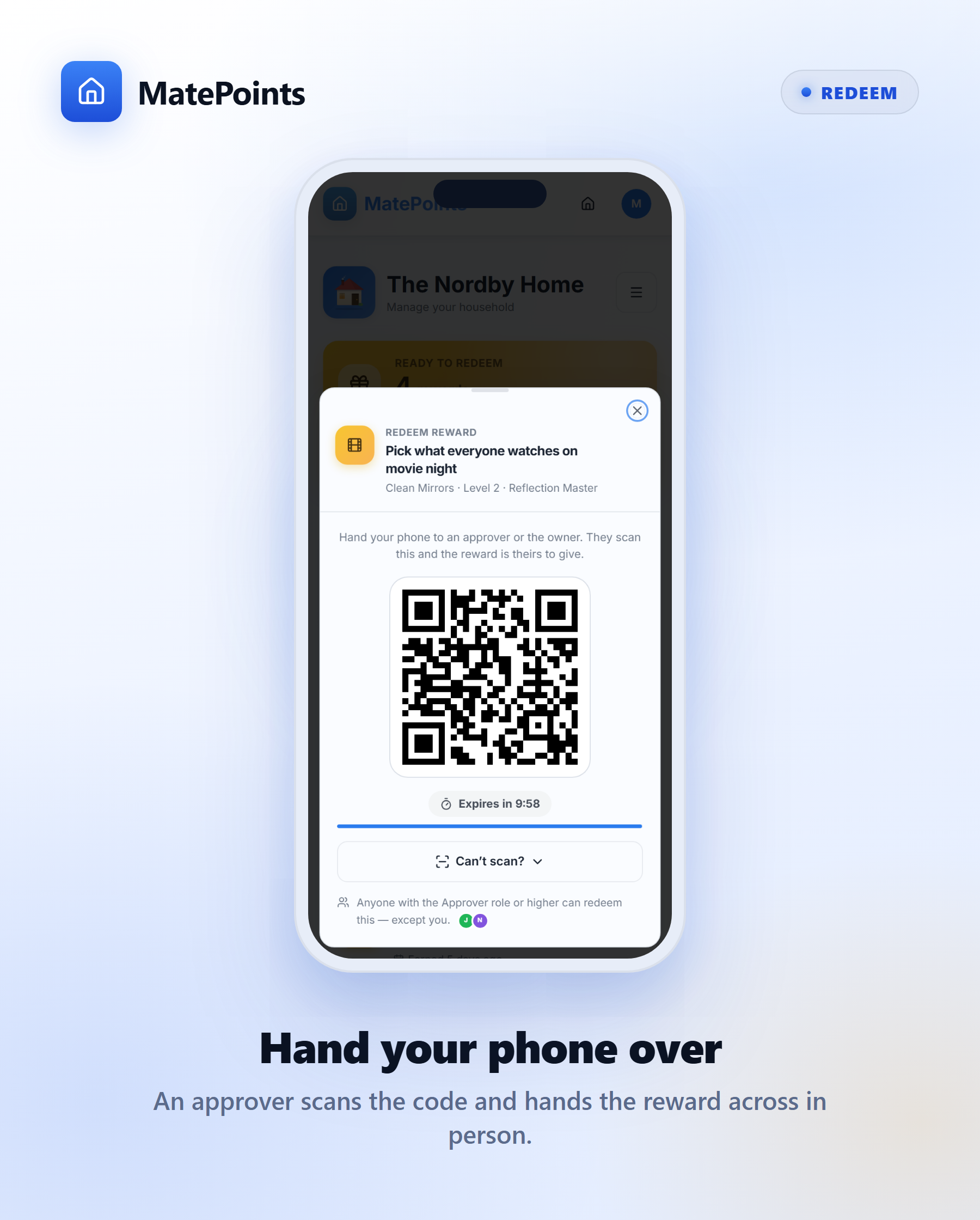
You can't scan your own code. That's the whole point: somebody actually handed the thing over.
Setting one up takes about ten seconds
Open an achievement, flip on the level reward, pick an icon, write the promise. Done.
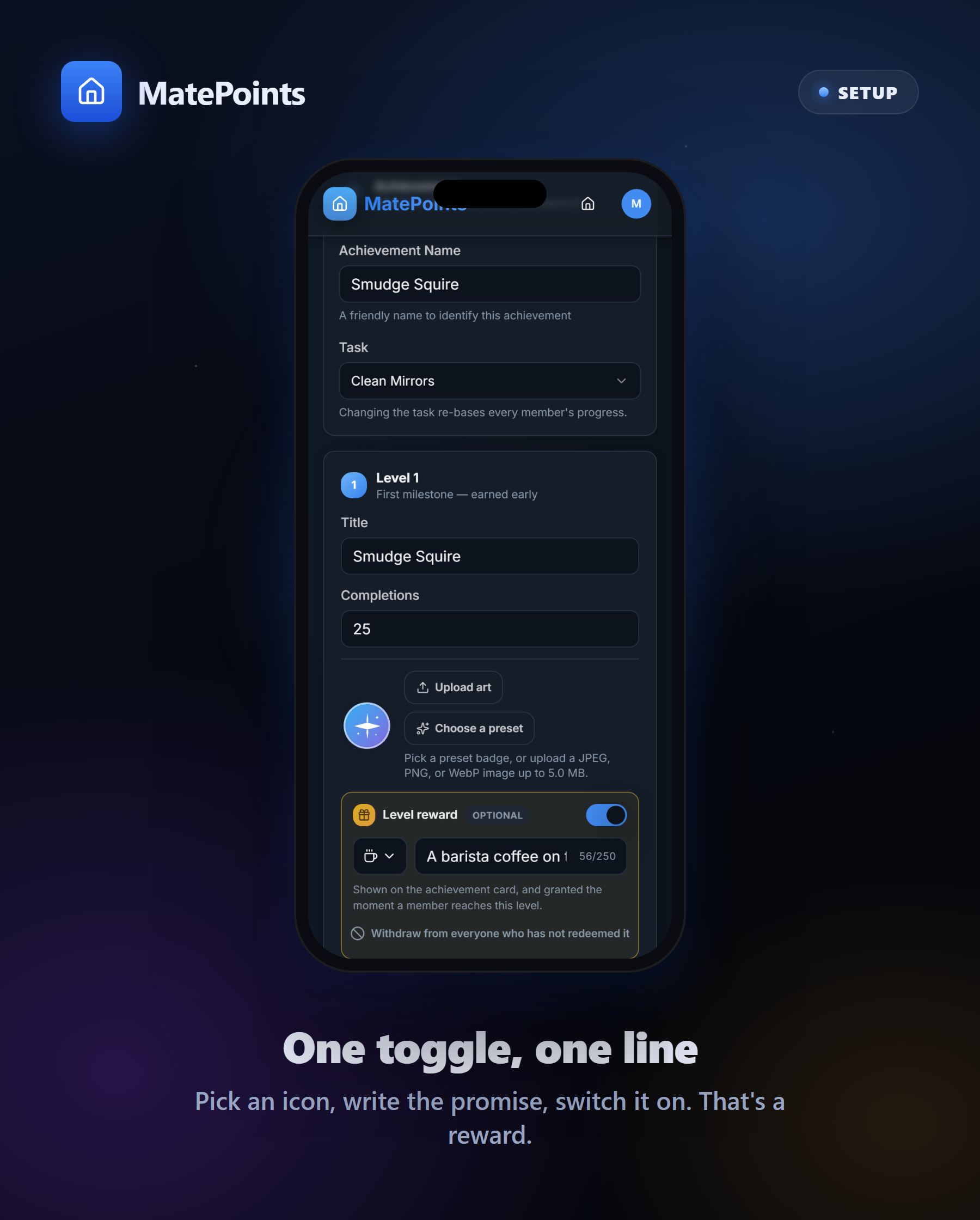
MatePoints doesn't supply the rewards. We don't ship a catalogue, we don't take a cut, and there's nothing to buy. Your household writes what a level is worth — ice cream from the good place, an hour of screen time, picking the film, your name on the good mug for a month. We just make sure it gets tracked and handed over honestly.
One thing worth knowing: rewards are forward-only. Attaching a reward to a level people have already passed doesn't quietly grant it to them — nobody can cross the same level twice. If you do want to reach the people already past it, the editor has an explicit button for that, and it tells you how many people it would reach before you press it.
Set it, earn it, scan it
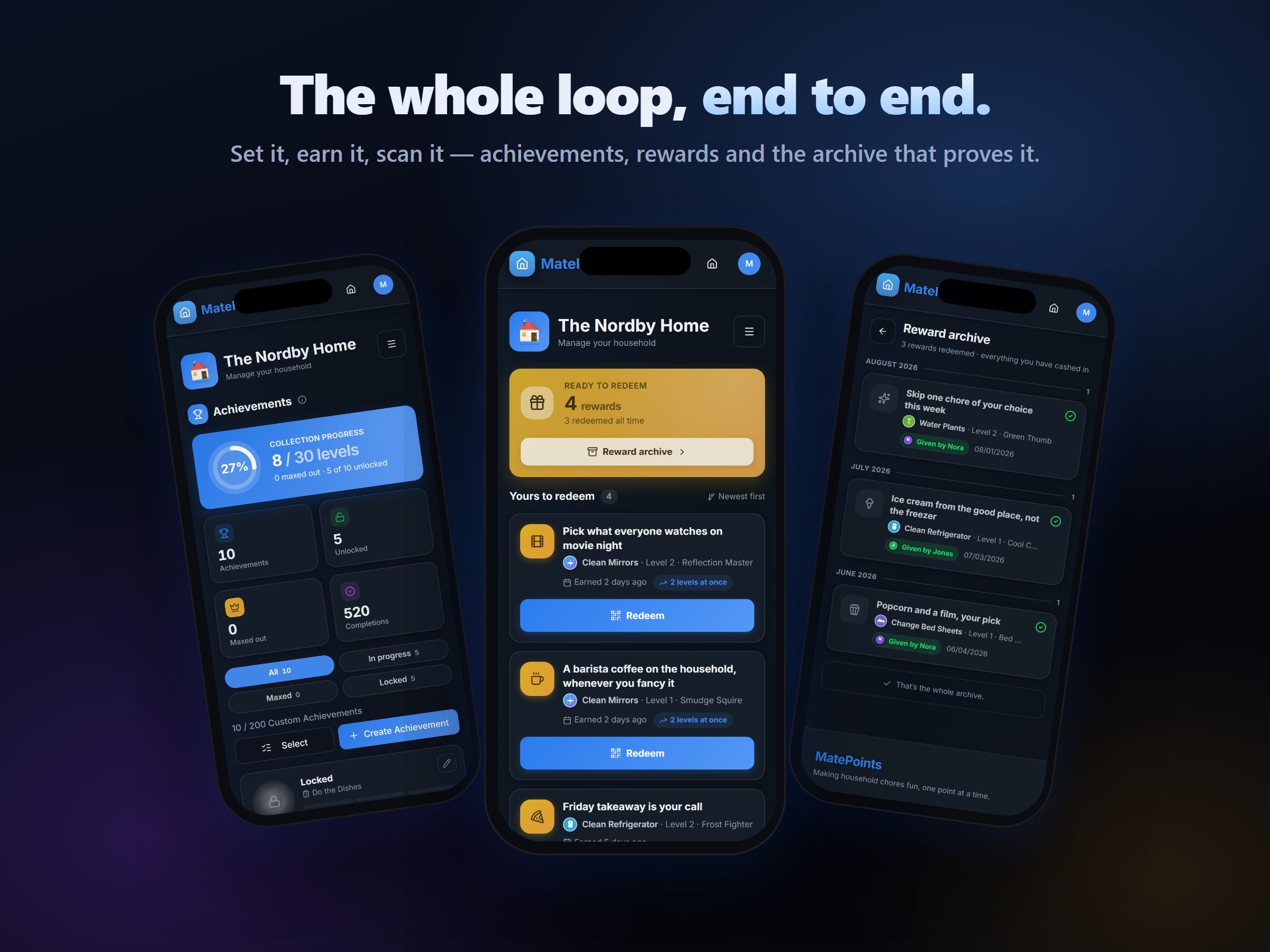
Every reward you cash in lands in the reward archive — what it was, which level earned it, who handed it over and when. It's the receipt the renamed level titles never gave anyone.
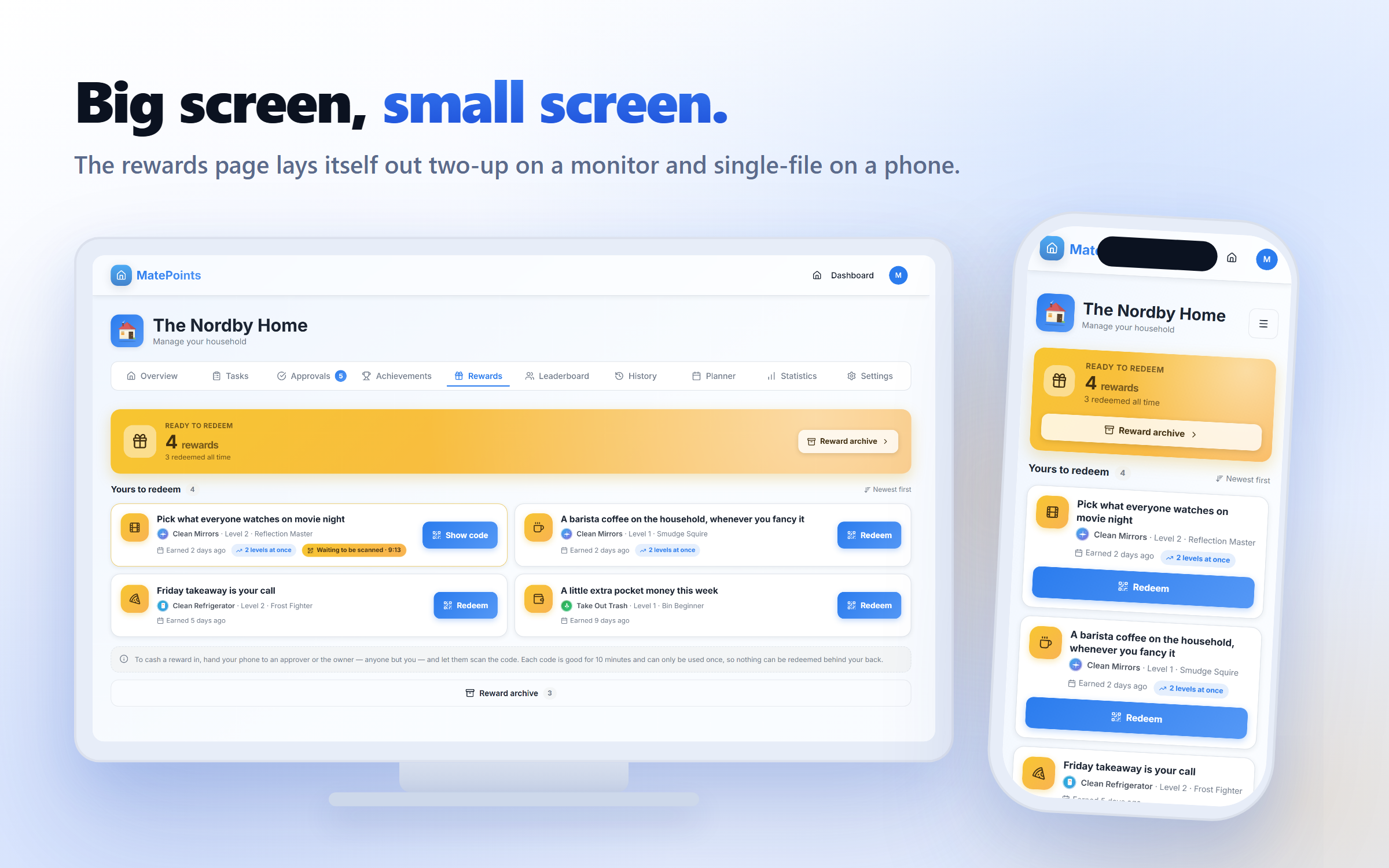
On plans: creating and editing reward definitions is a Pro feature. Earning and redeeming is not — every member of a Pro household can earn rewards and cash them in, whatever plan they're on.
Also in 2.2.0
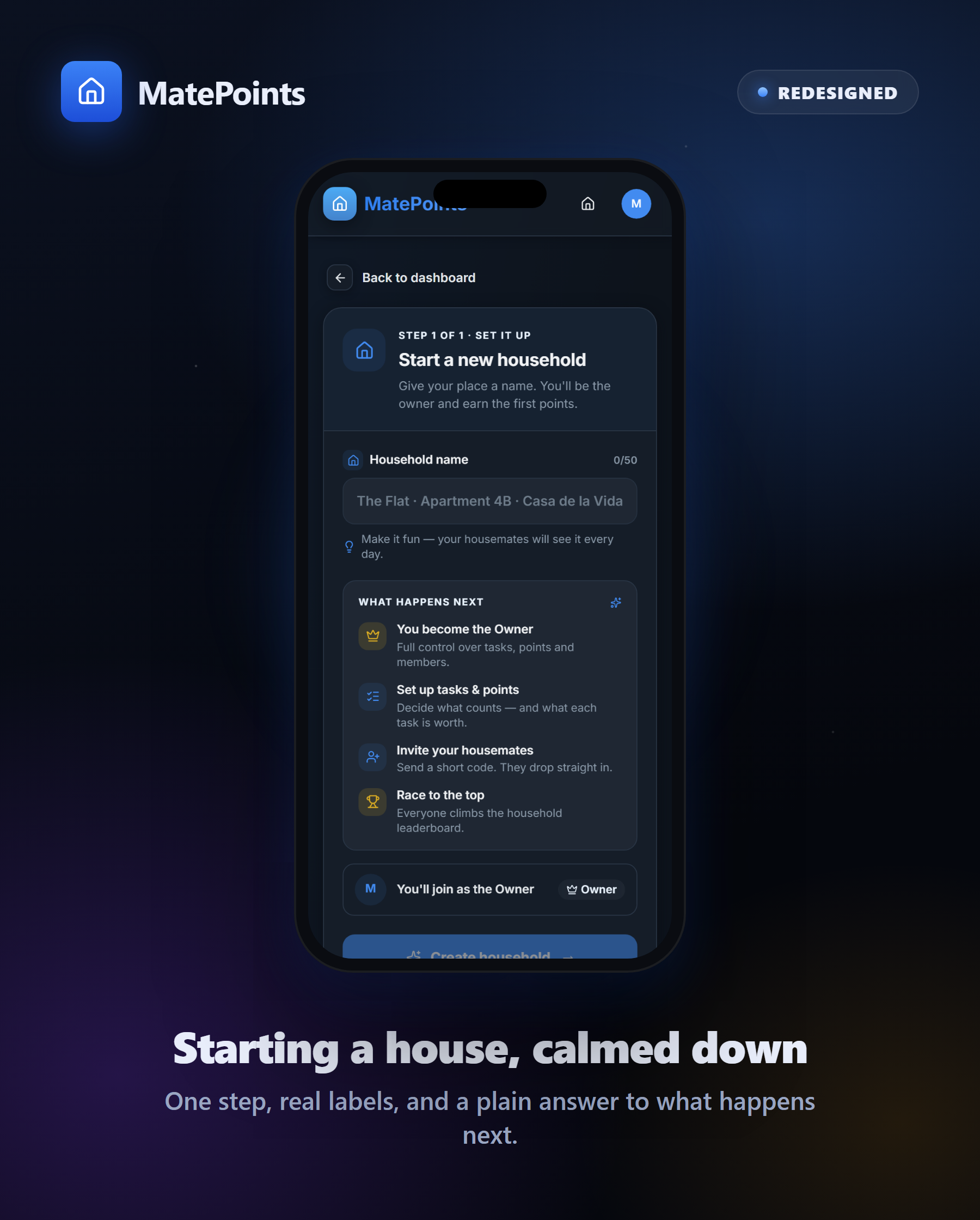
Starting and joining a household got a rebuild. Both screens are calmer now: one clear step, real labels, a plain list of what happens next, and proper validation instead of a wall of gradient.
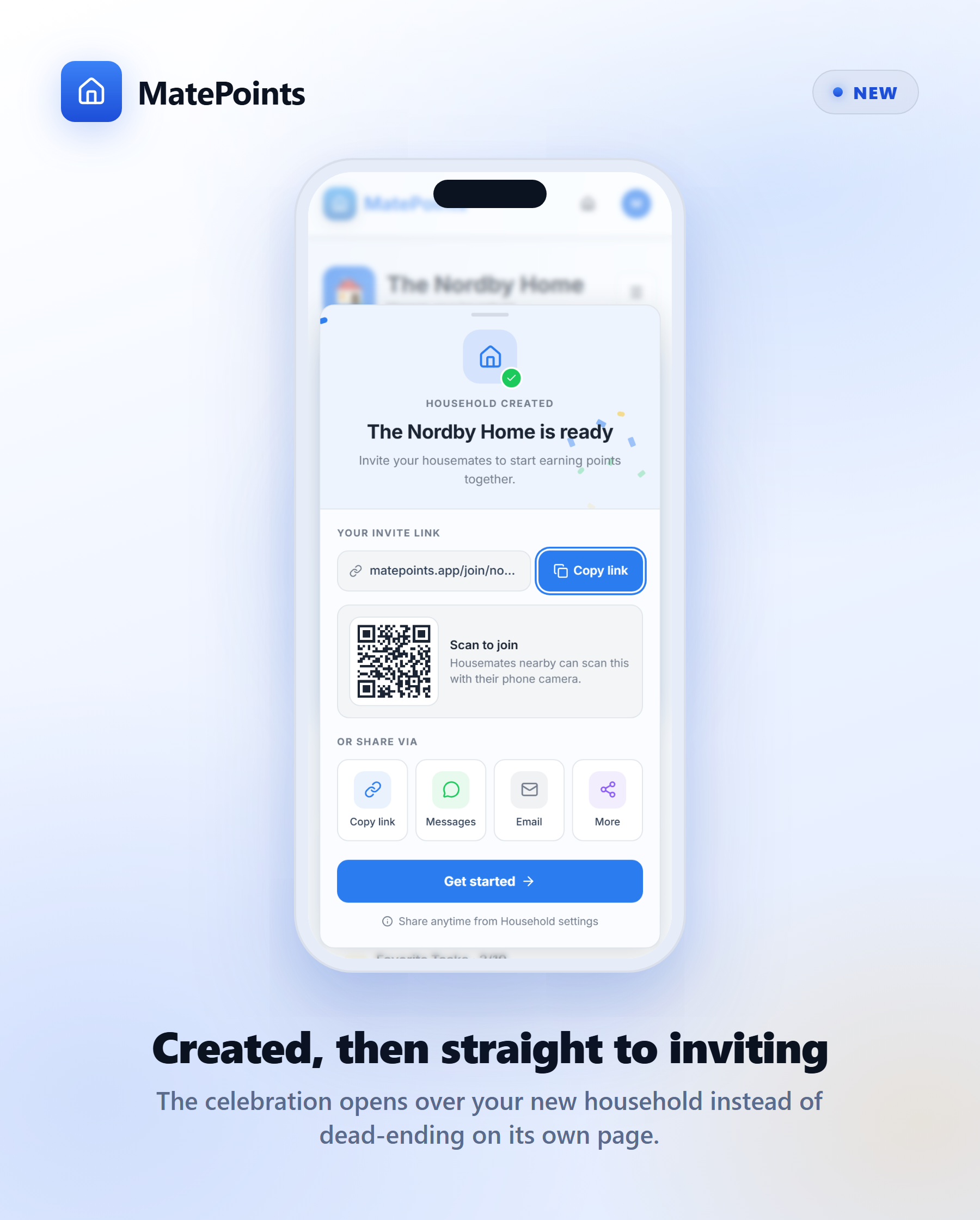
Creating a household ends somewhere useful. It used to drop you on a full-screen share page that dead-ended — you'd read it, then have to navigate again to reach the household you'd just made. Now it's a celebration over your new household's own page, with the invite link, QR and share buttons ready to go. Close it and you're already home.
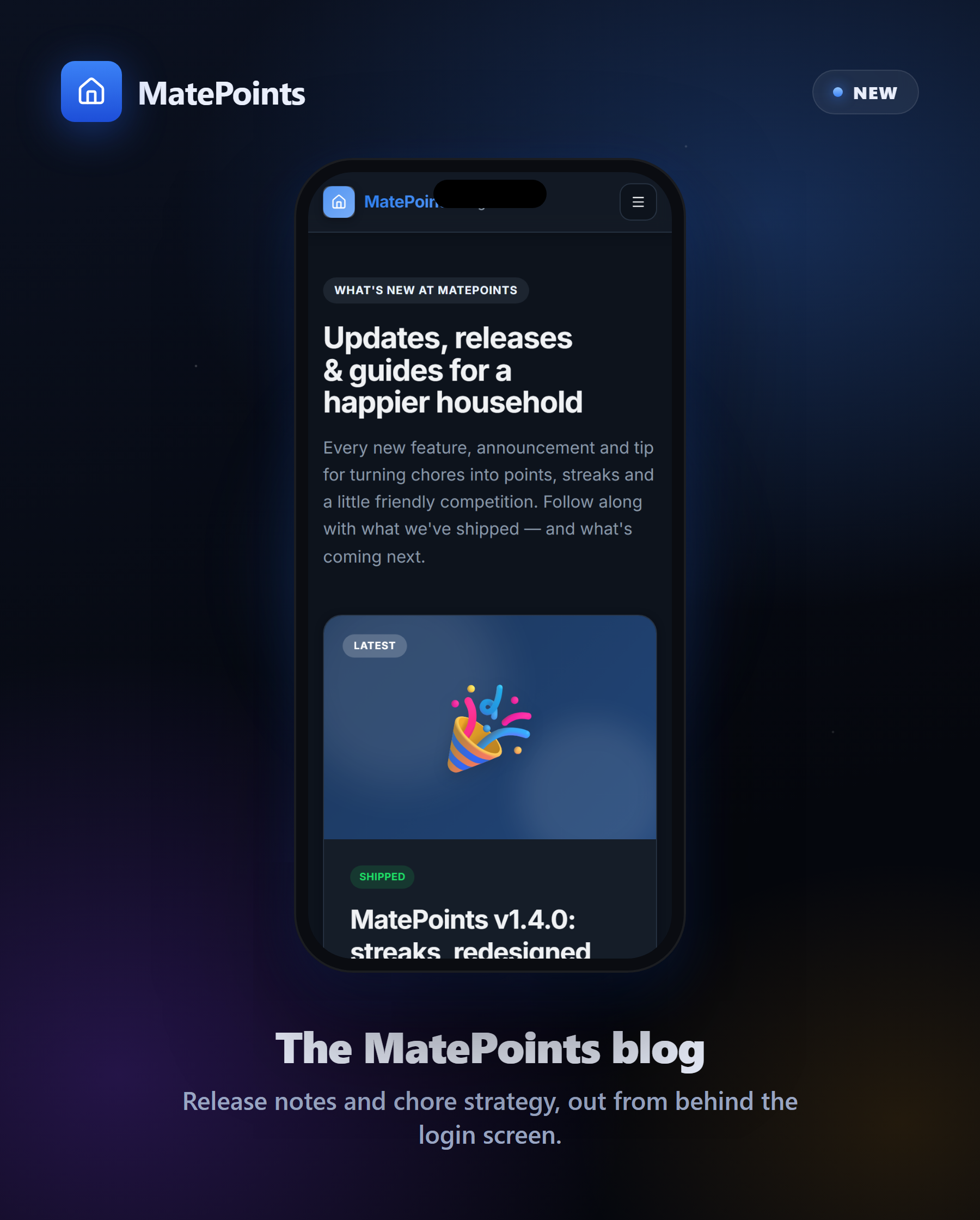
We started a blog. Release notes, chore strategy and the occasional strong opinion about dishwashers — now readable without logging in, at matepoints.app/blog.
Plus a pile of polish. The upgrade prompt was rebuilt on the new design system with a real usage meter. Invite sharing finally works properly in dark mode. History summary cards stack sensibly on small screens. And a long list of fixes underneath, including a few the new rewards tests caught on their way in.
Chores, gamified. → matepoints.app