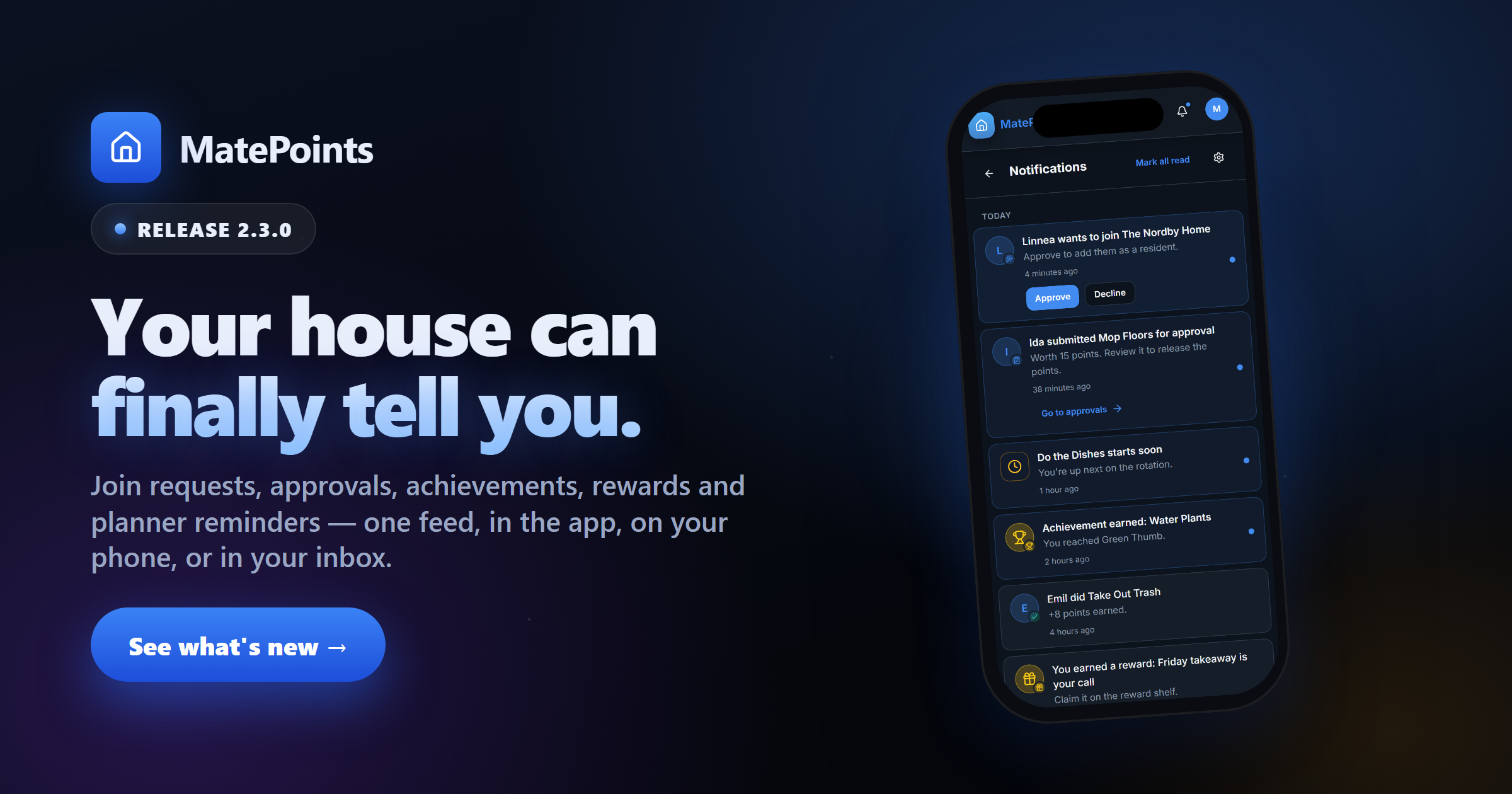
MatePoints 2.3.0 — Your house can finally tell you
Notifications are here — in the app, on your phone, and quiet when you are.

Hi 👋
Until now, MatePoints only spoke when you opened it. You had to go and look to find out that somebody wanted to join your household, that a chore had been waiting three days for your approval, or that you'd earned a reward nobody mentioned.
2.3.0 changes that. MatePoints now has notifications — a proper feed inside the app, push to your phone, and email for the handful of things you'd never open the app to discover.
One feed, every household
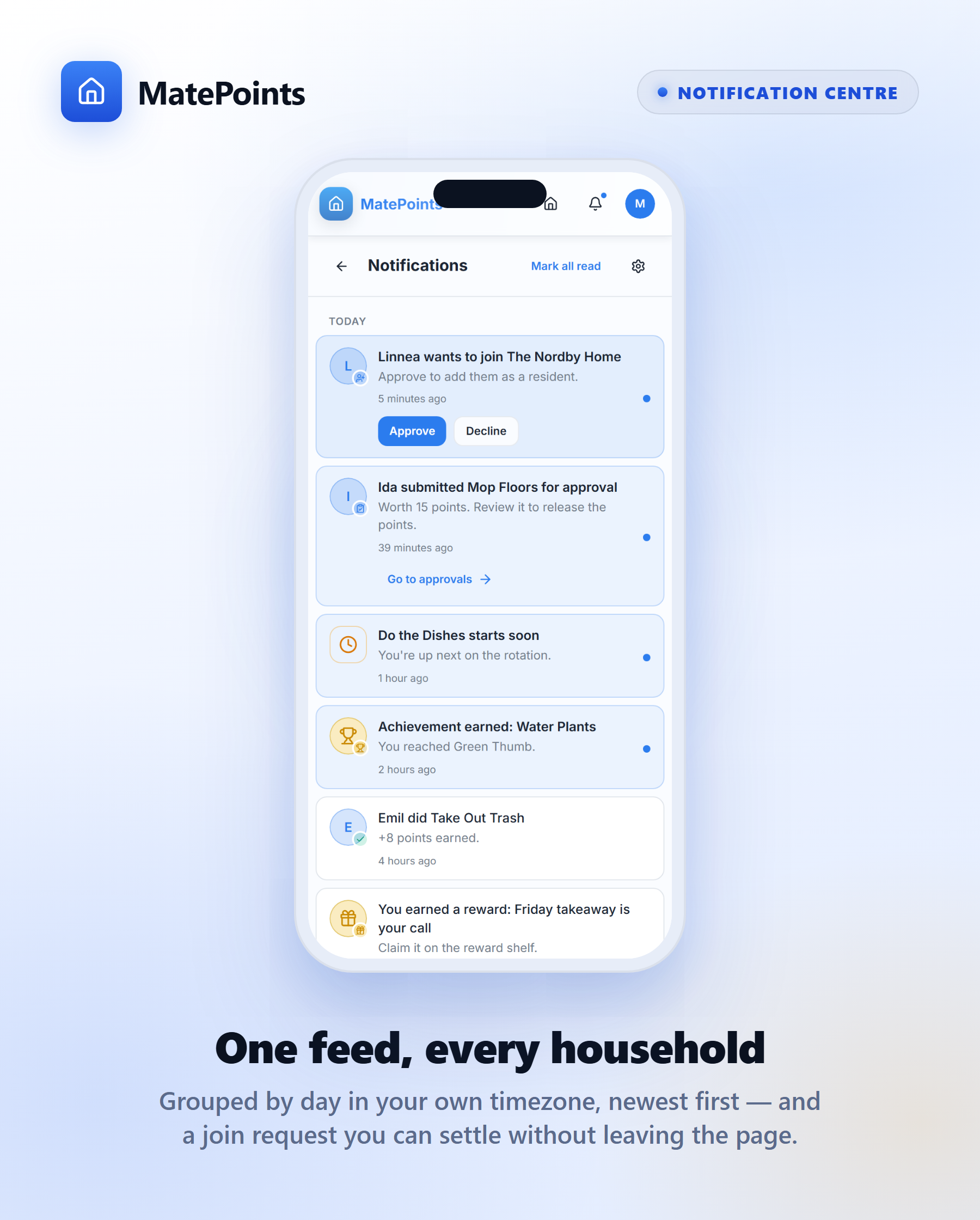
Everything that happens across all your households lands in one place, newest first, grouped by day in your timezone — so "Today" means the day you're having, not the day a server somewhere is having.
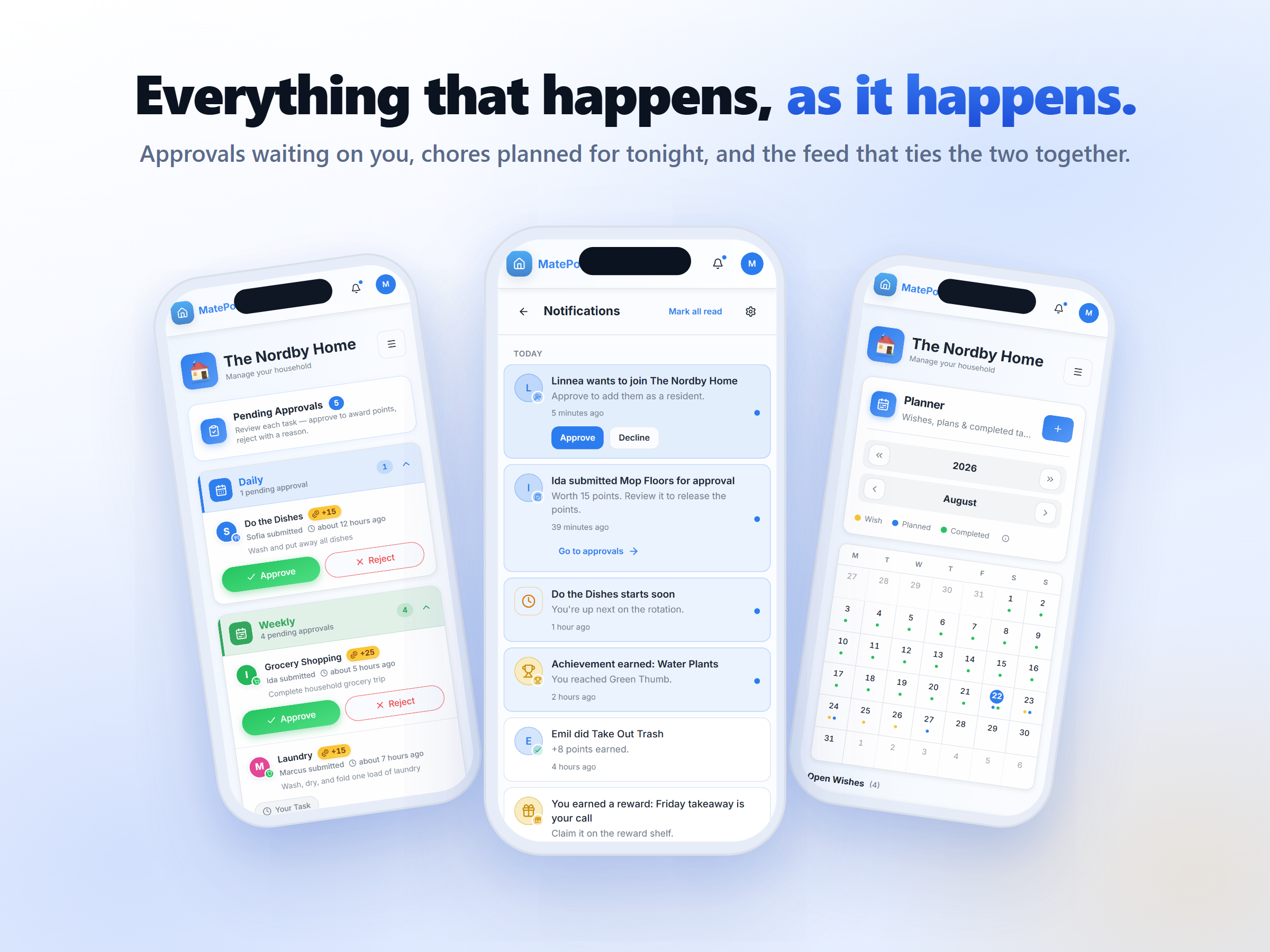
Join requests, chores sent for approval, your own approvals and rejections, achievements, level-ups, rewards and planner reminders. Each card says what happened, who did it, and what it's worth.
And a join request can be settled right there. Approve or Decline without opening another page.
A dot. Never a number.
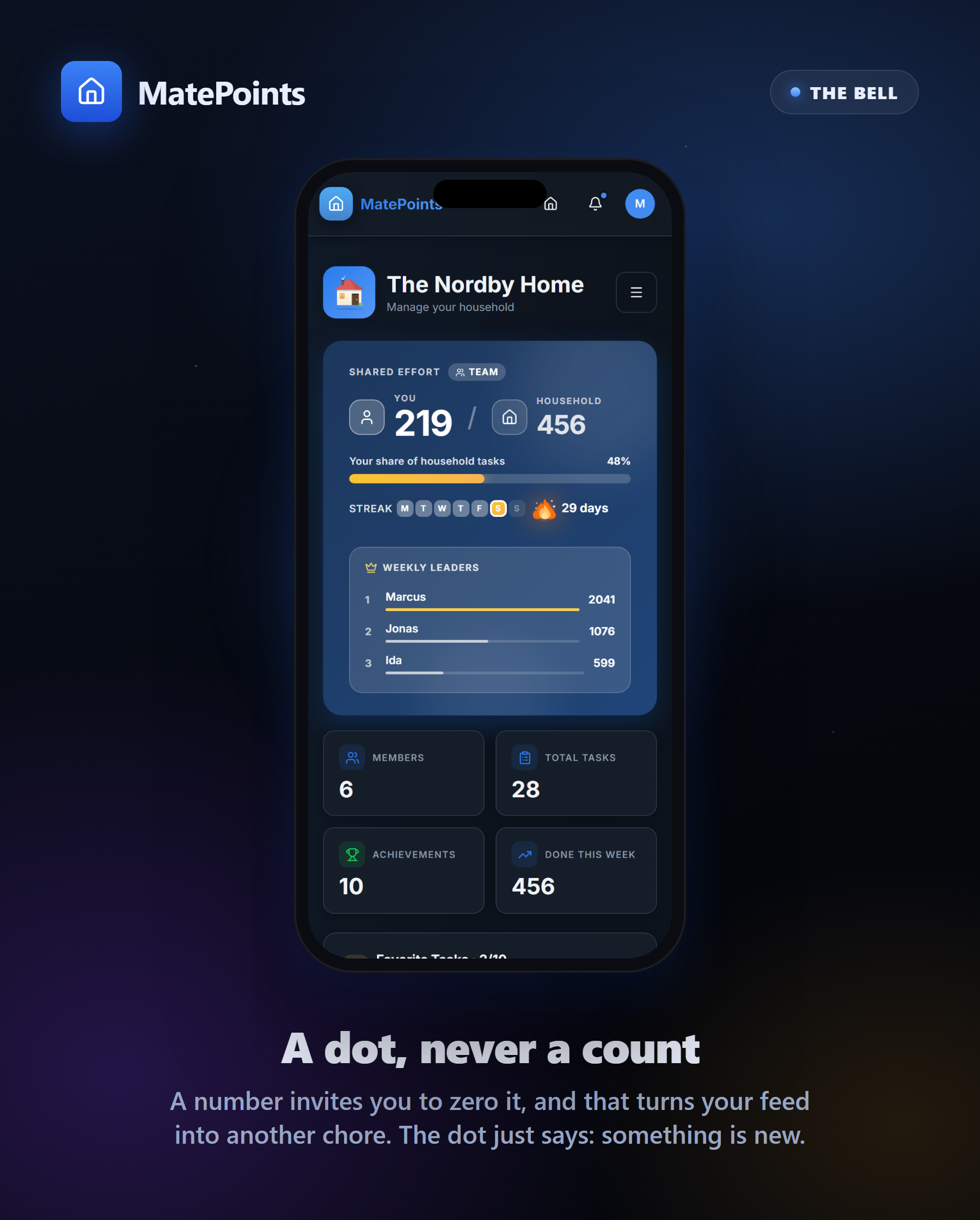
The bell in the navbar tells you there's something new. It does not tell you there are seventeen somethings new.
That's deliberate. A number invites you to get it back to zero, and the moment that happens your notifications become another chore to clear. A dot just says "there's something here" and then leaves you alone.
Opening the page marks nothing as read, either. Seen and read stay different things — your feed is a record you can come back to, not an inbox to empty.
Now it reaches your phone
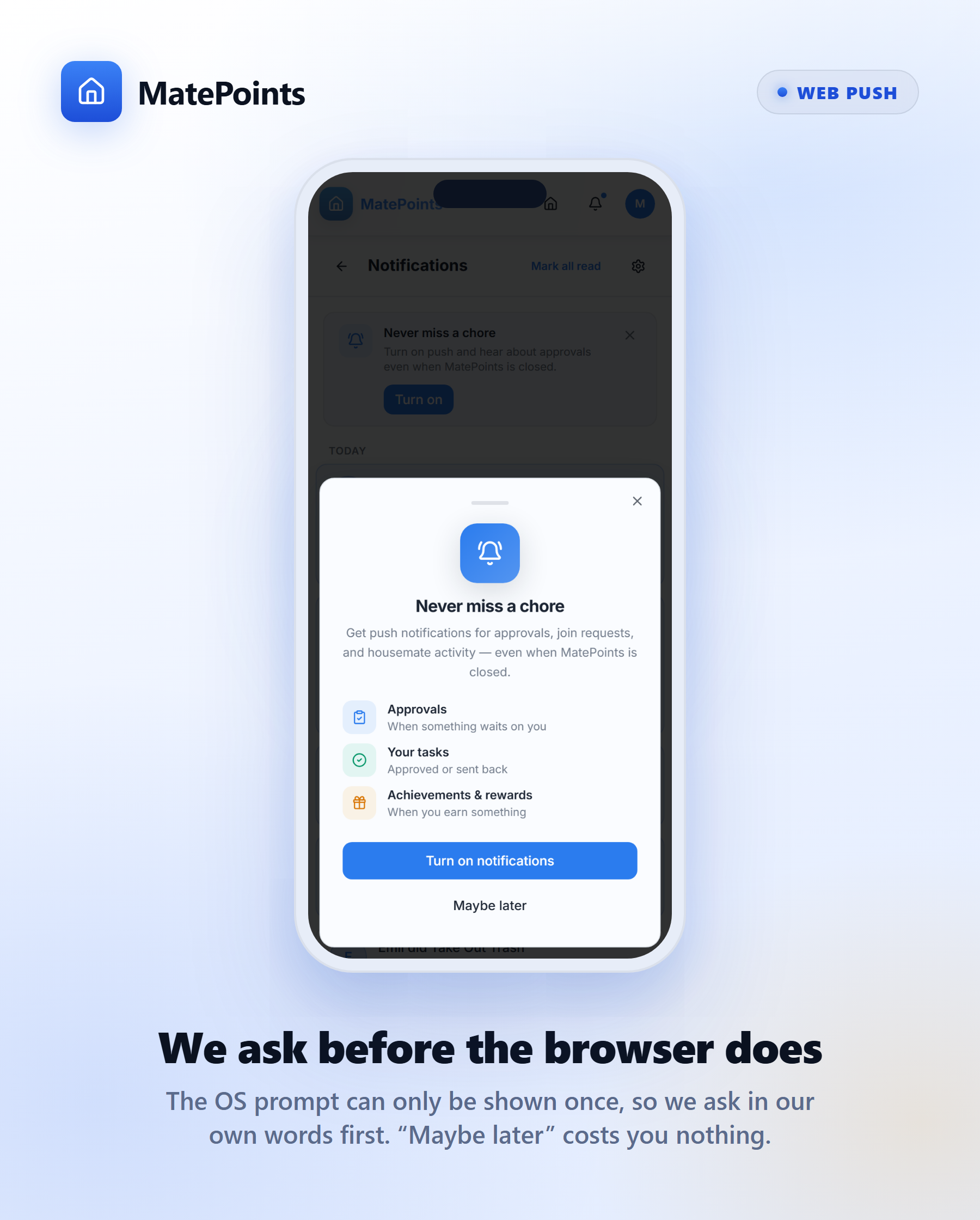
Turn on push and MatePoints can reach you when the app is closed — an approval waiting on you, somebody asking to join, a reward you've just earned.
We ask you before your browser does. Browsers only ever offer the notification prompt once, and a dismissed prompt is gone for good, so we explain what you'd be turning on first. "Maybe later" costs you nothing — and you can turn it on from settings whenever you like.
On an iPhone you'll need to add MatePoints to your Home Screen first; the app will tell you so rather than showing you a button that quietly does nothing.
Quiet hours
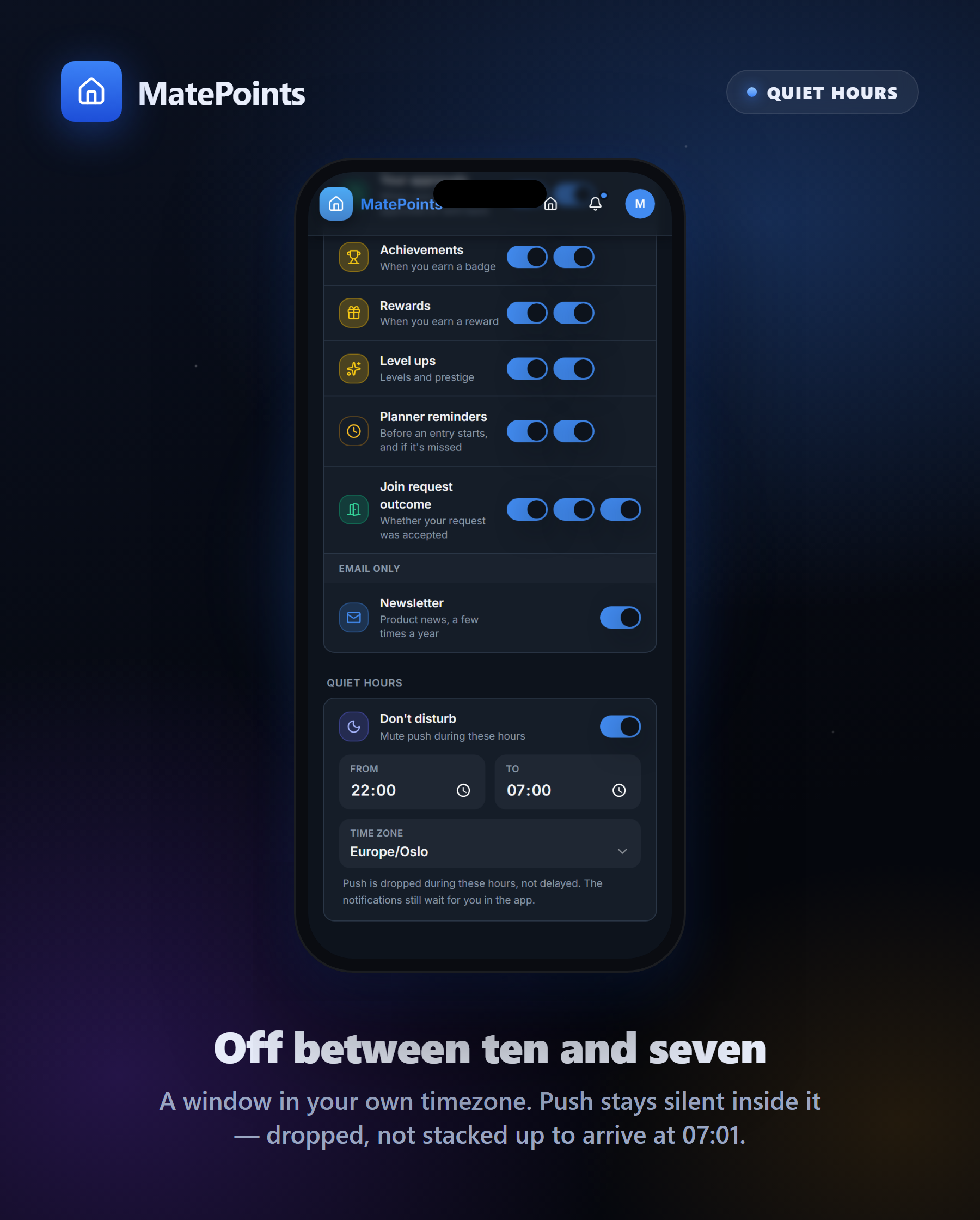
Set a window — 22:00 to 07:00, say — and push stays silent inside it, in your own timezone.
Worth knowing: notifications in that window are dropped, not stacked up. You won't wake to eleven buzzes at 07:01. They're all still sitting in the app when you want them.
You choose what reaches you, and how
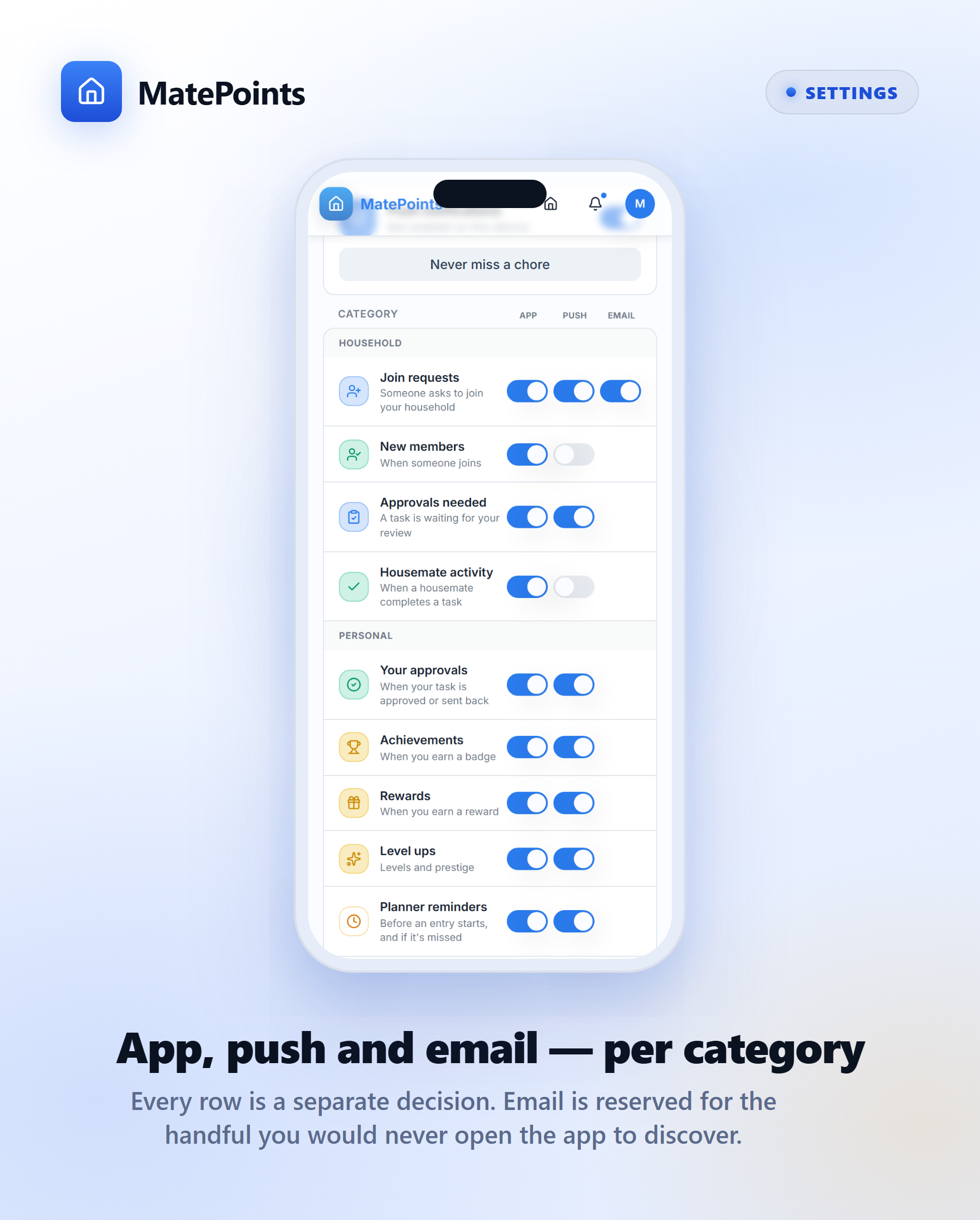
Every category has its own switches for app, push and email. Join requests can buzz your phone while housemate activity stays quietly in the feed.
Two defaults are worth knowing about:
- The busy ones start off. "Someone completed a task" and "someone joined" don't push by default — in a six-person household that's the difference between useful and unbearable.
- Email is reserved. Only join requests, their outcome, and the newsletter can ever reach your inbox. Those are the ones you might never open the app to discover. Everything else is in-app or push, by design.
The newsletter you're reading now lives here too, alongside everything else, instead of hiding on a separate screen.
The planner nudges you before, not after
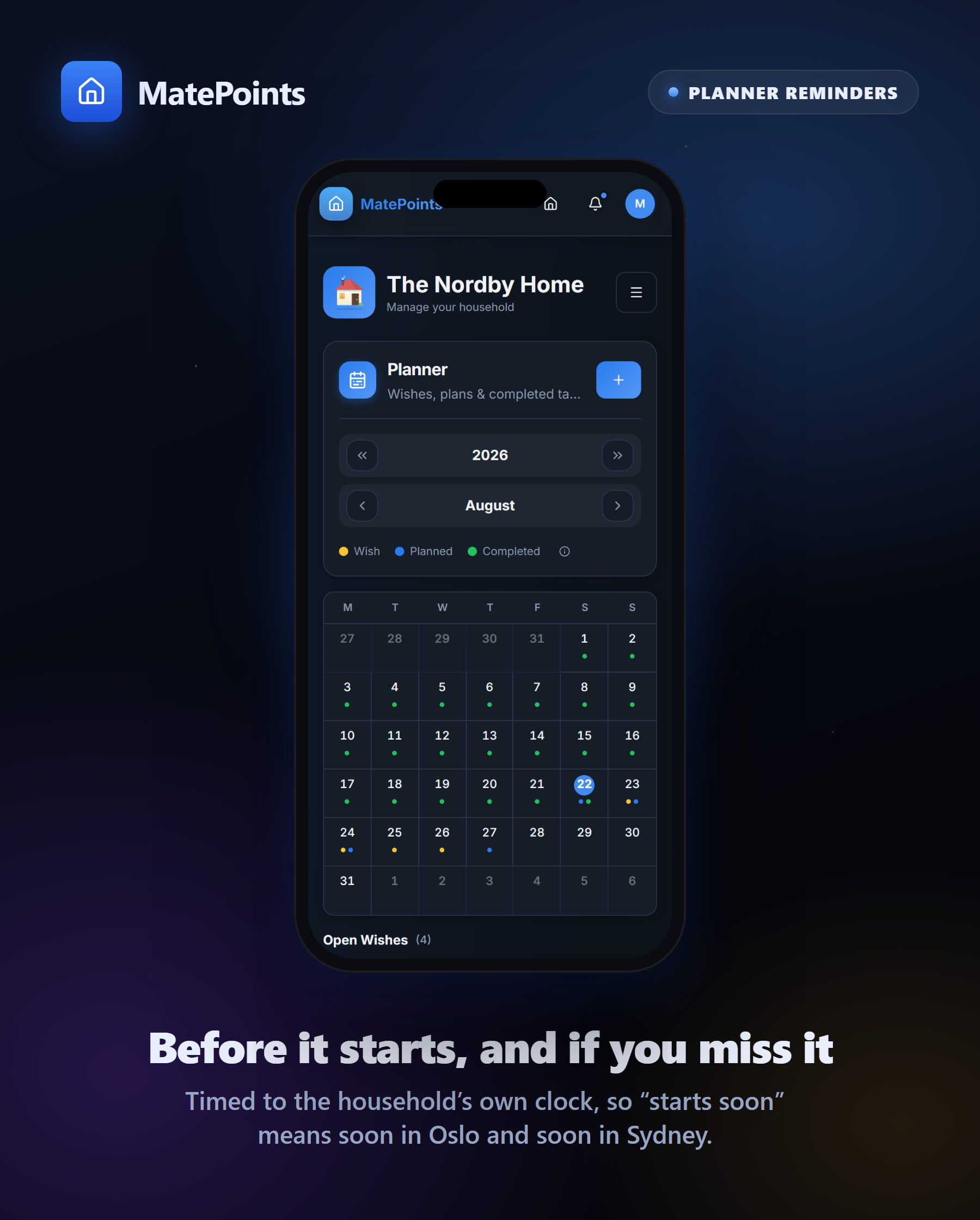
Planned to do the dishes at 19:30? You'll hear about it shortly beforehand. And if the window passes without it happening, you'll get a quiet "you missed that one" rather than finding out from a housemate.
Both are timed to your household's own clock, so "starts soon" means soon where you actually live.
On every screen
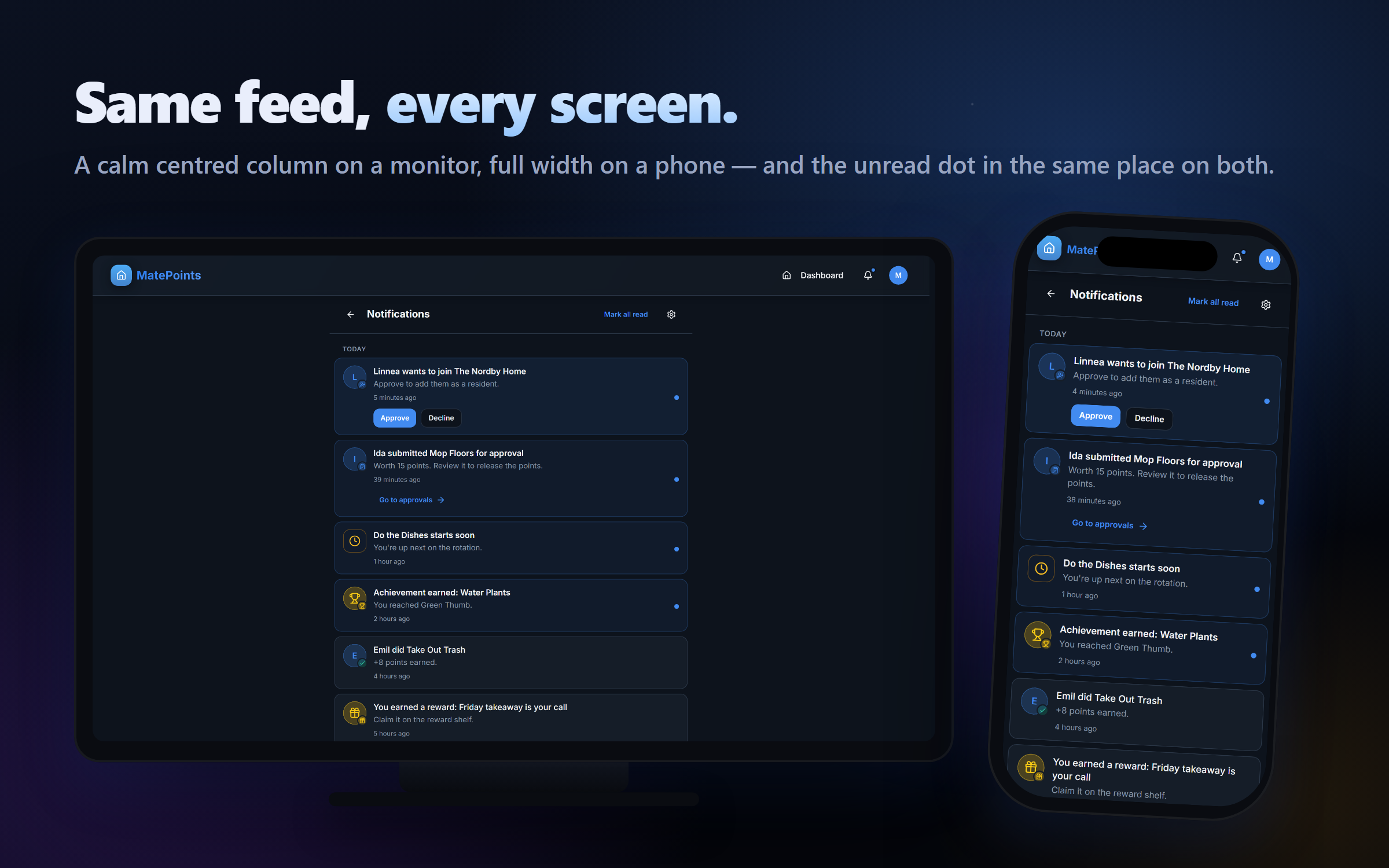
On a monitor the feed sits in a calm centred column rather than sprawling across the whole screen; on a phone it takes the full width. The unread dot is in the same place on both.
Plus a whole lot of polish and fixes
A pile of smaller work went in alongside: fixes to approvals and household permissions, a calmer experience around subscription limits, and a batch of groundwork across the app that you'll feel more than see.
Chores, gamified. matepoints.app · @matepoints