MatePoints 3.2.0: Child accounts
Children under 13 get their own login, tasks and points. No email, no password: you add them, they scan a code.

Hi 👋
Kids under 13 can't sign up on their own. So until now they did their chores on your account, or they watched from the side while the grown-ups collected the points.
MatePoints 3.2 brings child accounts. You add your child to the household, their tablet scans a code, and they're in. They get their own tasks, their own points and their own spot on the leaderboard. They don't need an email or a password, and it works on Free and on Pro.
Add a child in under a minute
Open your household, go to Settings and find the new Children card. Press Add child, type a first name or a nickname, and confirm that you are the parent or guardian. That's it.
Each child uses one member spot, and only a household owner can add one.
Setting up a new household? If you tell the AI setup that children live with you, it asks you to add them right after the household is created, before you share the invite.
One scan, and they're in
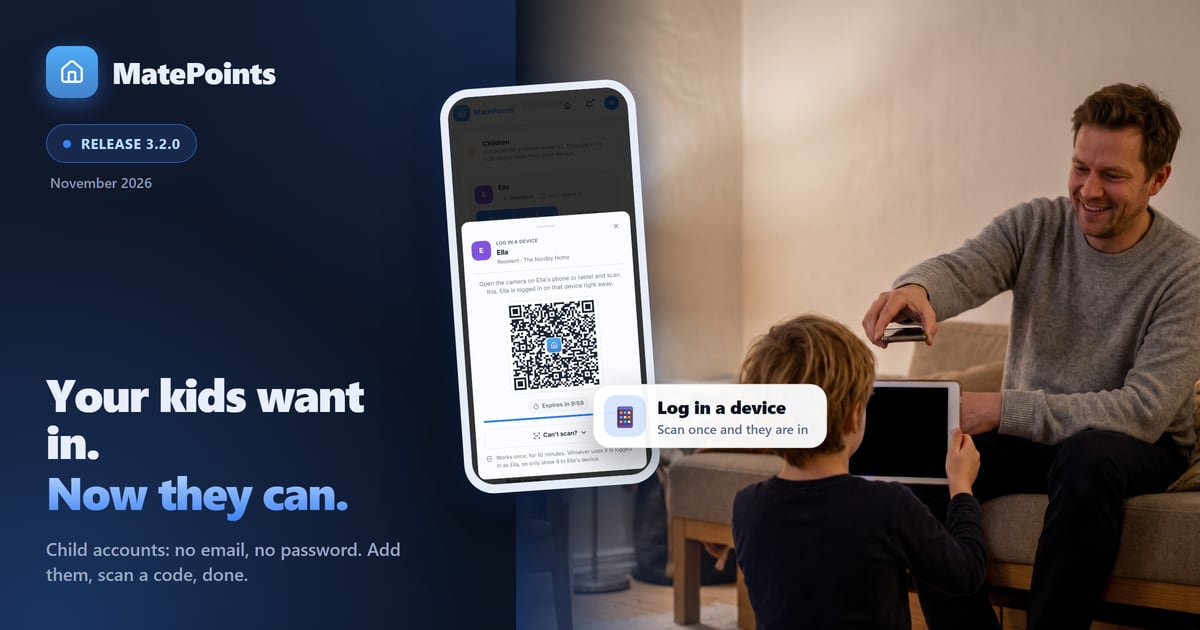
Press Log in a device next to your child's name. Open the camera on their phone or tablet and scan the code. They're logged in at once, and your screen tells you it worked.
Can't scan? Open Can't scan? for a six-character code to type instead, or a link to share. A code works once and for 10 minutes. The device then stays logged in, so this is a one-time job, not a morning ritual.
Their own login, their own points
Your child sees the household the way you do: the tasks, a streak, their level and the leaderboard. When they empty the dishwasher, the points land on their account, not yours.
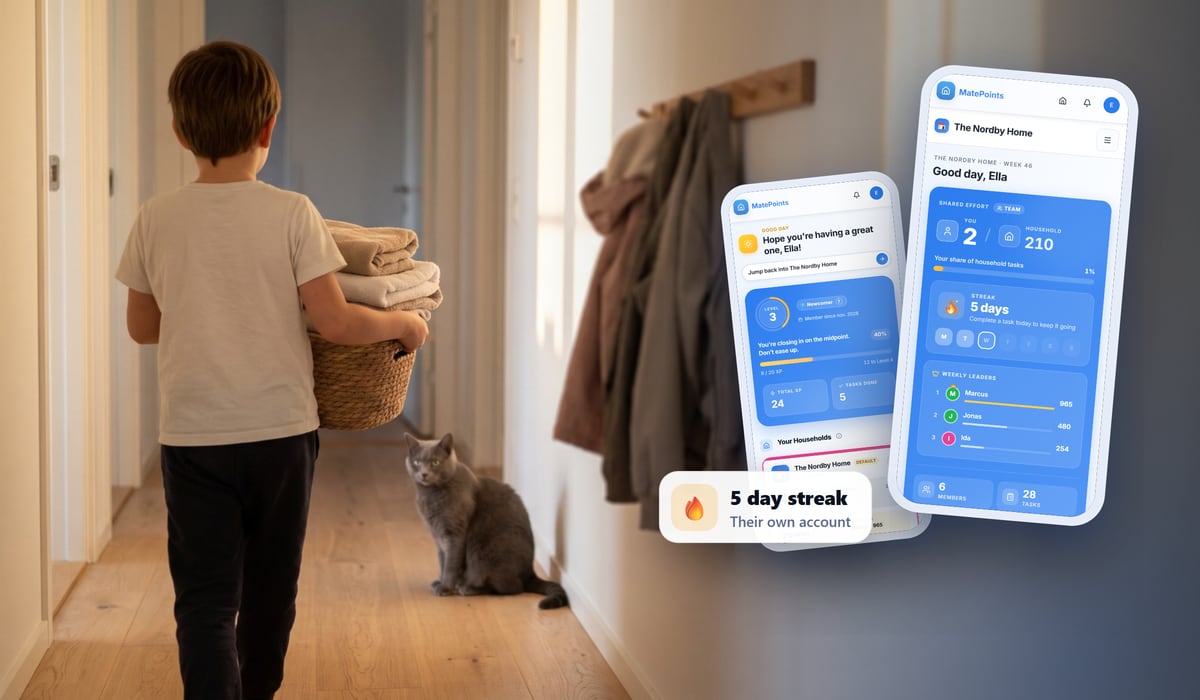
Children start as Resident. You can make them an Approver or an Editor later, and they can change their own name in their profile.
You stay in charge
A child account is built to be boring in all the right places:
- No buying, no billing. Children can't buy anything or see billing.
- No other households. They stay in the one you added them to.
- No email from us. Not a newsletter, not a reminder.
- No cookie banner. On a device where a child is logged in, MatePoints uses only essential storage and error reports.
- Sign out all. One tap in the edit dialog signs your child out of every device.
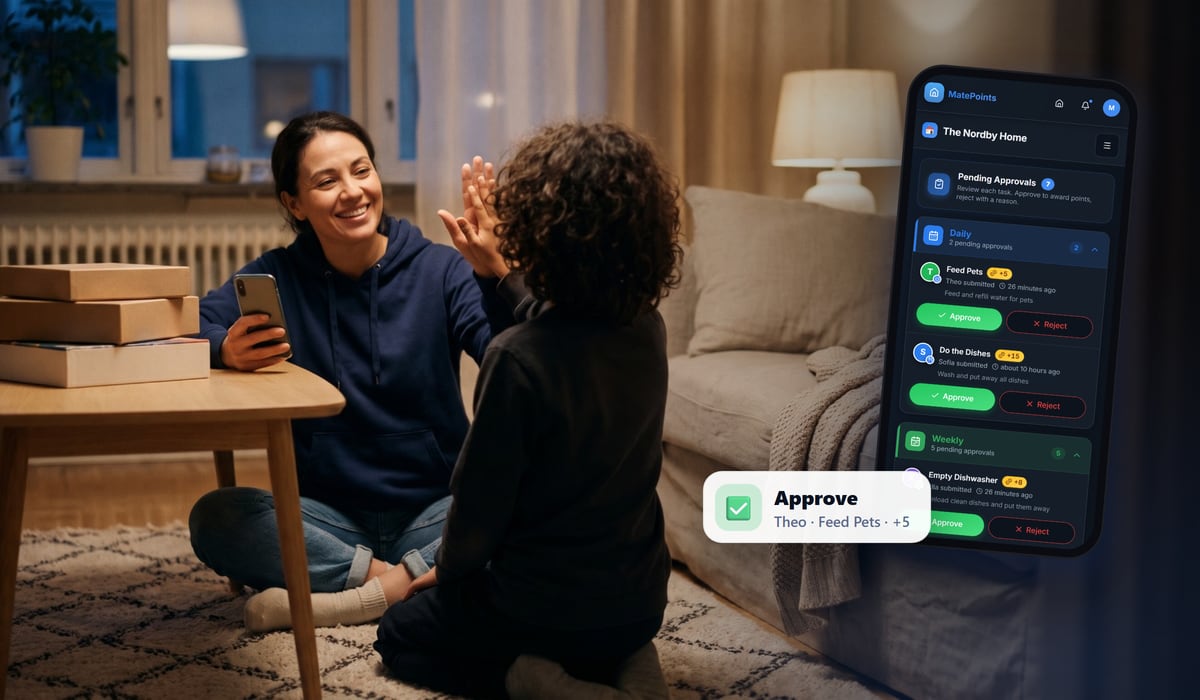
And when your household uses approvals, their completed tasks wait for you like everyone else's.
Also new
- A new home page. matepoints.app now opens on our welcome page, with a hands-on demo of child accounts you can click through.
- Deleting an account works again for people who have completed tasks. If you tried before and got an error, it now goes through.
Add your first child in Settings → Children. Read the full guide on our wiki.
Happy chores, The MatePoints team