Matepoints v2.4.0: Cheer on your housemates
A rebuilt profile, a new way around your household, and a button for saying well done.

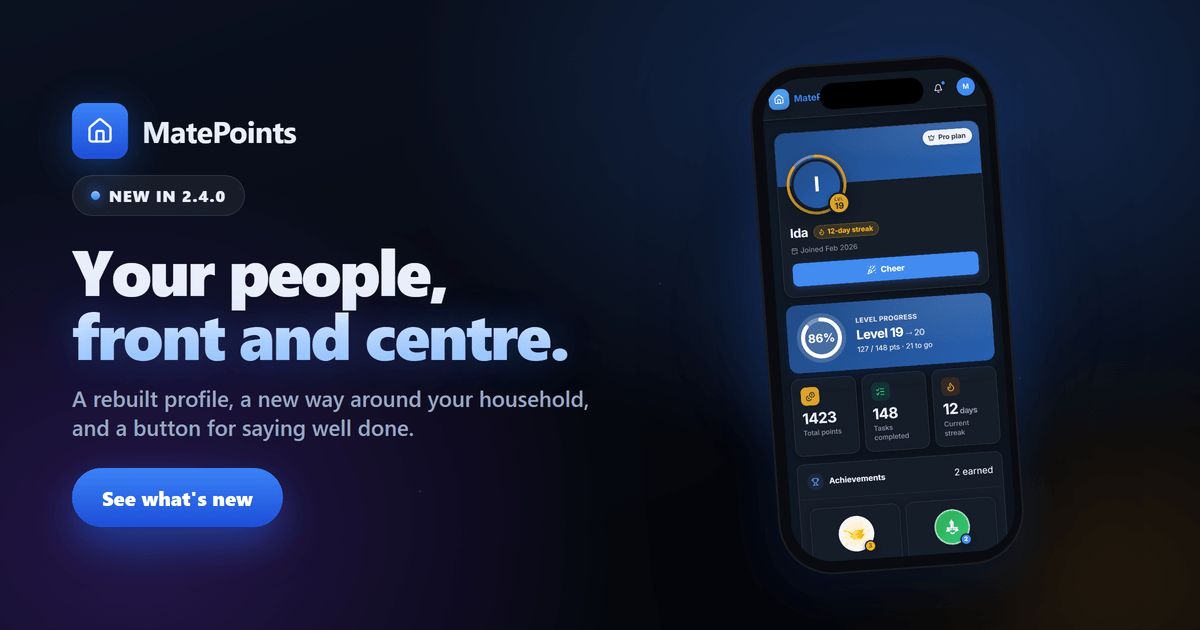
Hi 👋
A household runs on small wins. Somebody empties the dishwasher before anyone asks. Somebody else keeps a twelve-day streak going through a hard week. Until now, MatePoints counted those wins but gave you nowhere to see them together, and no way to say you noticed.
2.4.0 changes that. Profiles are rebuilt from the ground up, there is a button for cheering a housemate on, and getting around your household is faster on every screen.
All your wins, one page
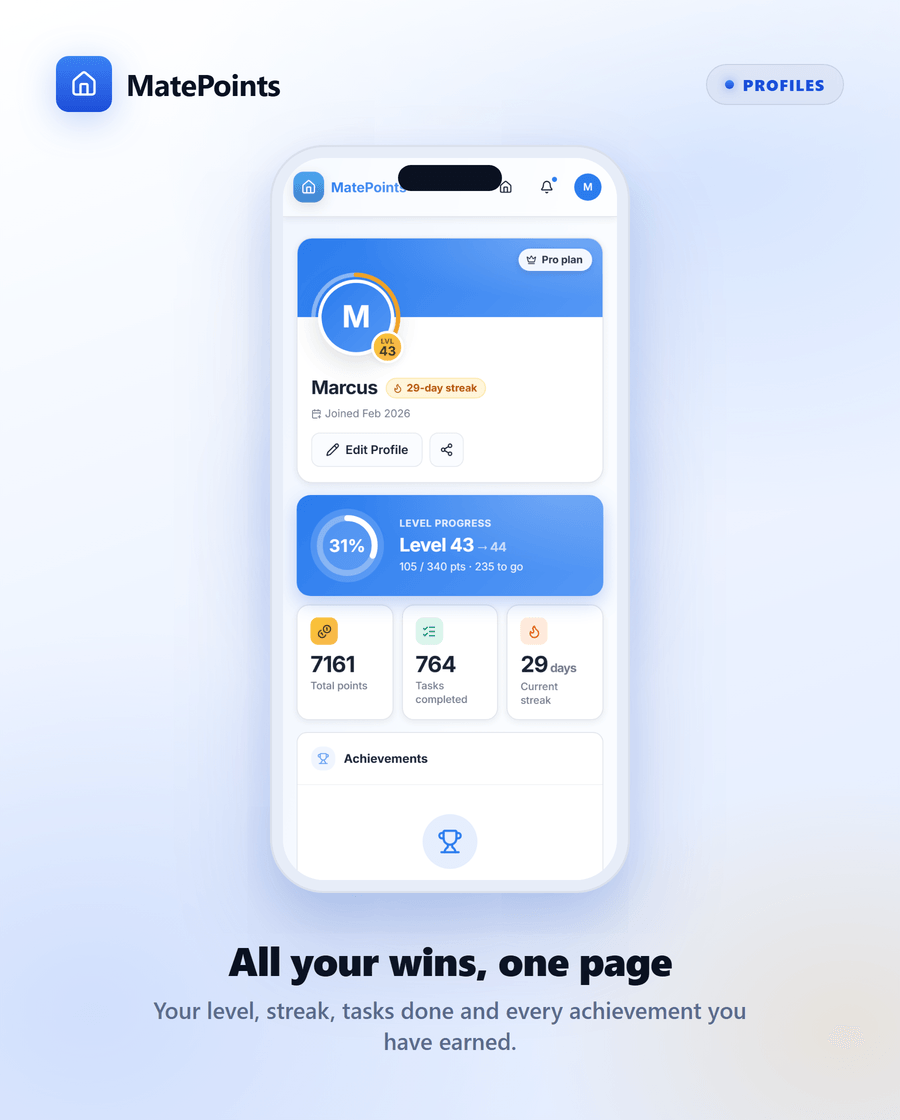
Your profile now tells the story of everything you have done.
Your level sits in a ring that fills as you earn. Below it: your total points, how many tasks you have completed, and your current streak. Every achievement you have earned is laid out in a grid, at the highest level you reached.
Add a short bio, with bold, italics and links if you like, and your social links. Then share your profile with one tap.
Profiles stay private to your household. You can only open the profile of someone you share a household with.
Say well done in one tap
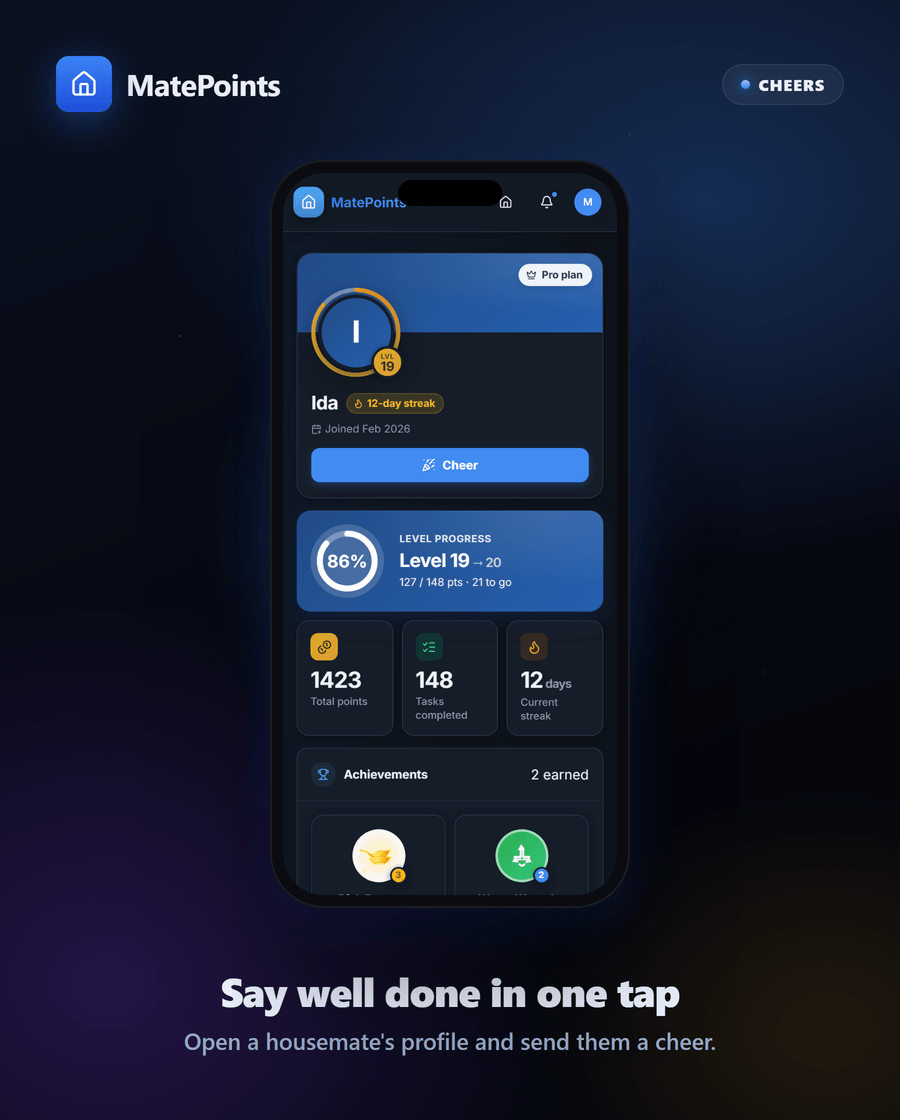
Open a housemate's profile and you will find a Cheer button.
Tap it when they have earned it. The one who finally cleaned the fridge. The one on a streak. The one who picked up your chore when you were ill.
You can send one cheer at a time. Once they have read it, you can send another. It keeps a cheer feeling like a cheer.
A little applause lands
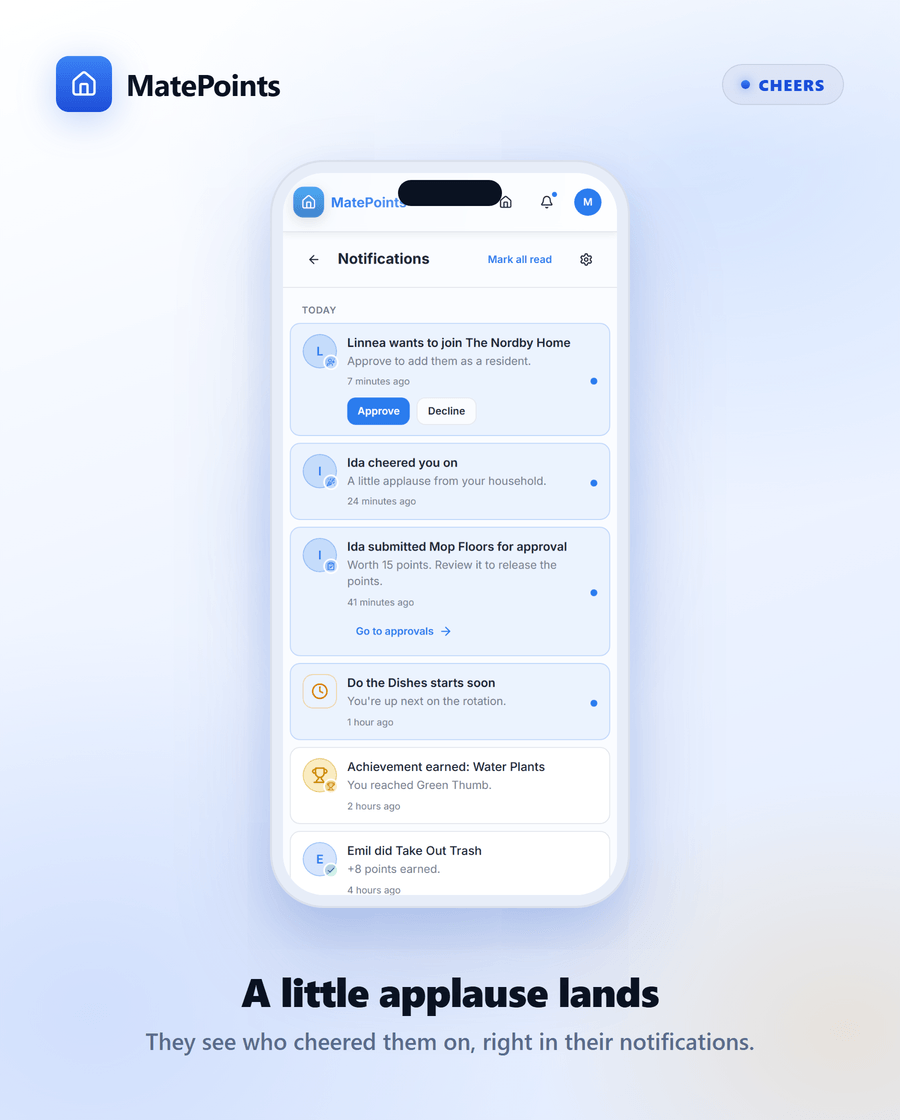
Your housemate sees it in their notifications: "Ida cheered you on. A little applause from your household."
Cheers stay inside the app. They never arrive as a push or an email. And anyone who would rather not receive them can switch Allow Cheers off in their notification settings.
Find your way around the house
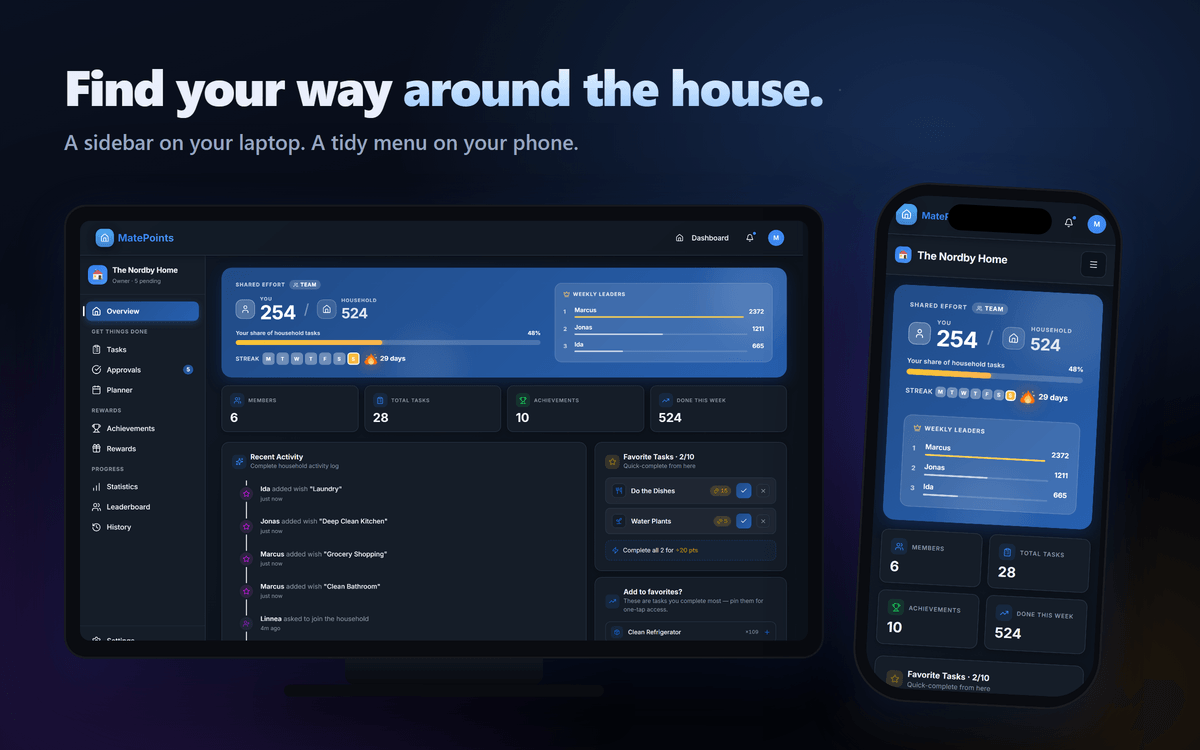
Households have grown. Tasks, approvals, the planner, achievements, rewards, statistics, the leaderboard and history. Squeezed into one row of tabs, the labels disappeared on smaller screens and you were left guessing from icons.
So the menu is new.
On a laptop or tablet, a sidebar groups everything by what you are there to do: Get things done, Rewards and Progress. Settings waits at the bottom. The number of approvals waiting on you shows right on the menu.
On your phone, a slim bar shows your household's name. Tap the menu and the same groups slide in from the side.
Fold it down to icons
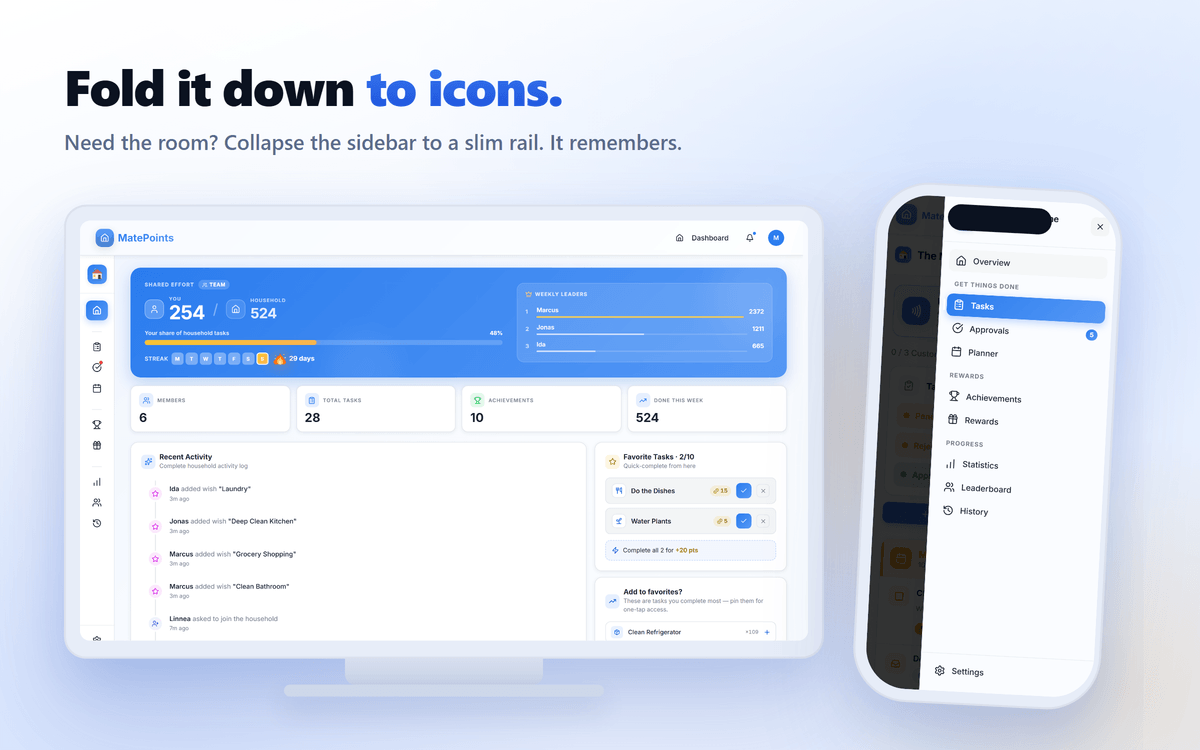
Want the room back? Collapse the sidebar to a slim rail of icons. Hover or focus an icon to see its name.
MatePoints remembers your choice. On a tablet, the sidebar starts collapsed, so your household gets the width.
Make it yours
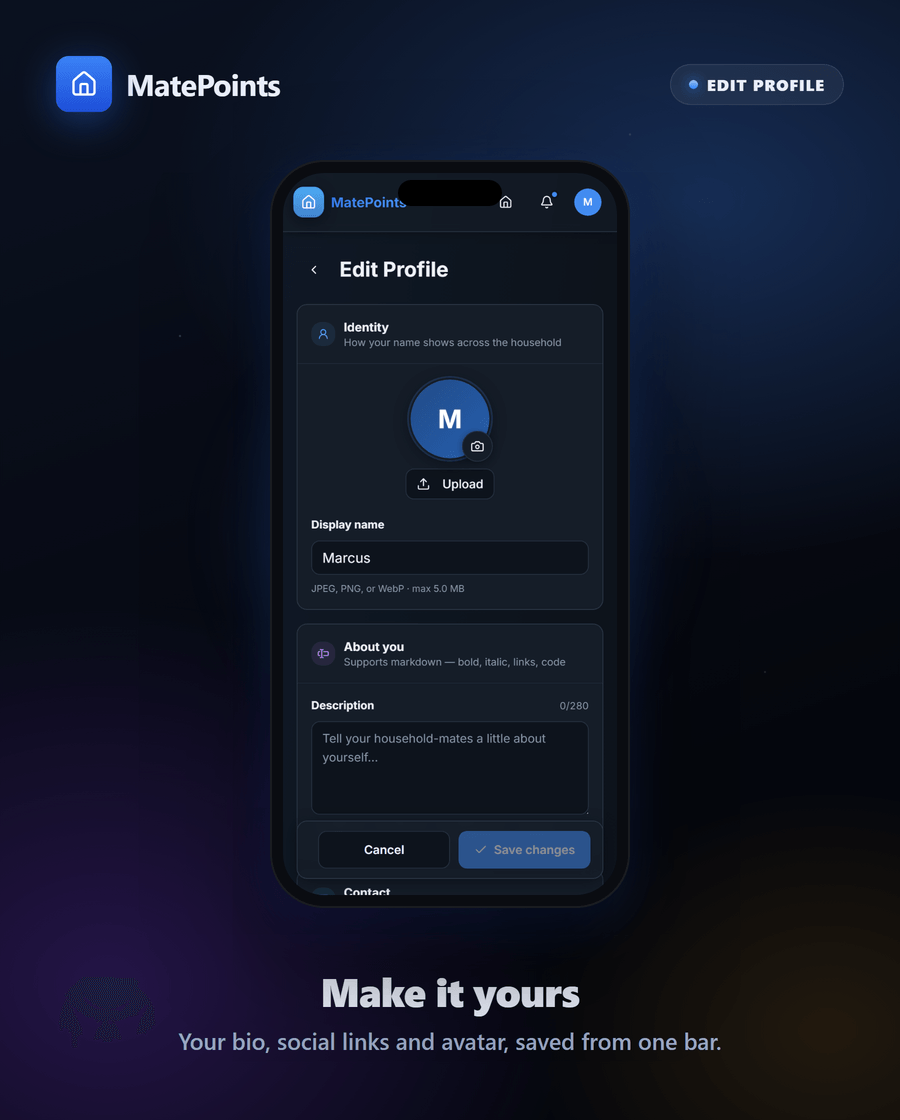
Editing your profile got the same care. Your avatar, bio and social links live on one page, and everything saves together from a single bar at the bottom.
Profiles, rebuilt
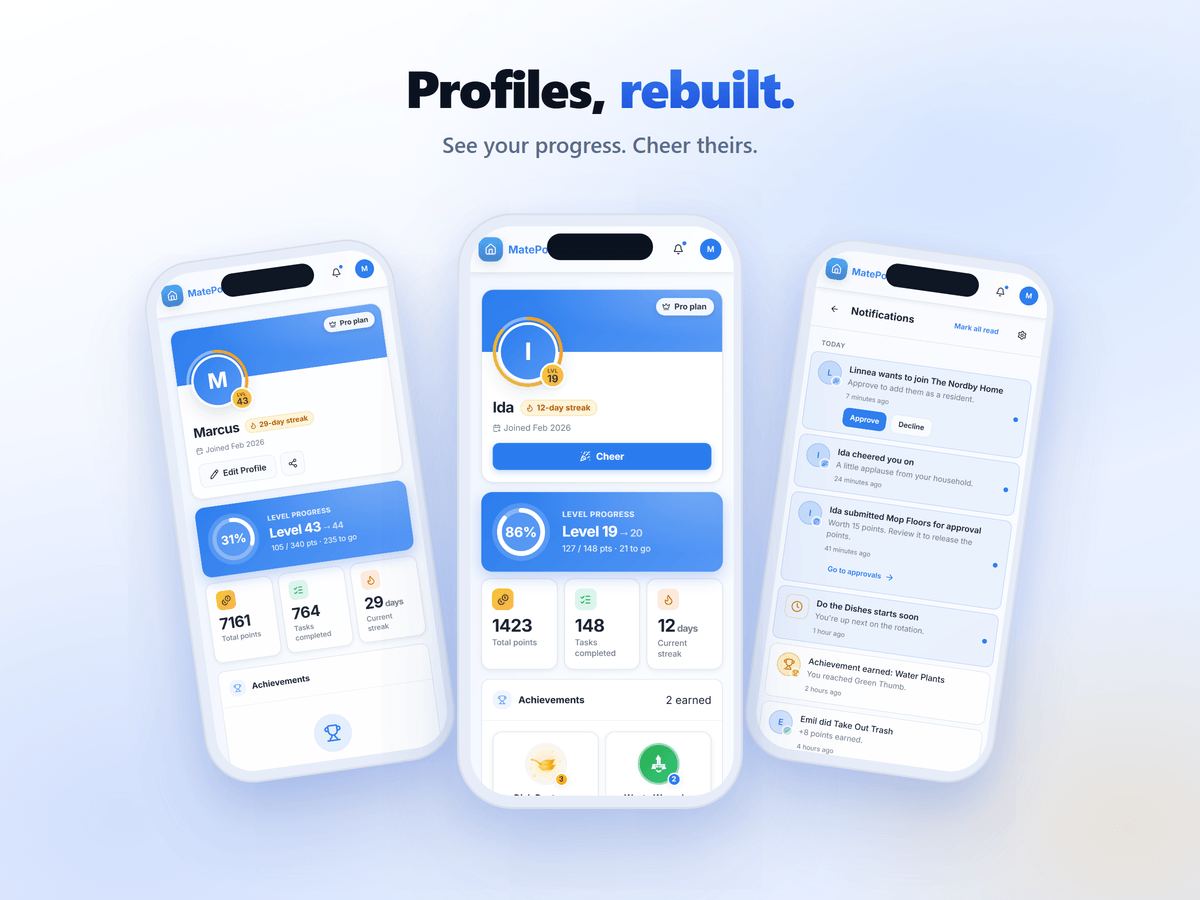
See your progress. Cheer theirs.
Plus a whole lot of polish and fixes
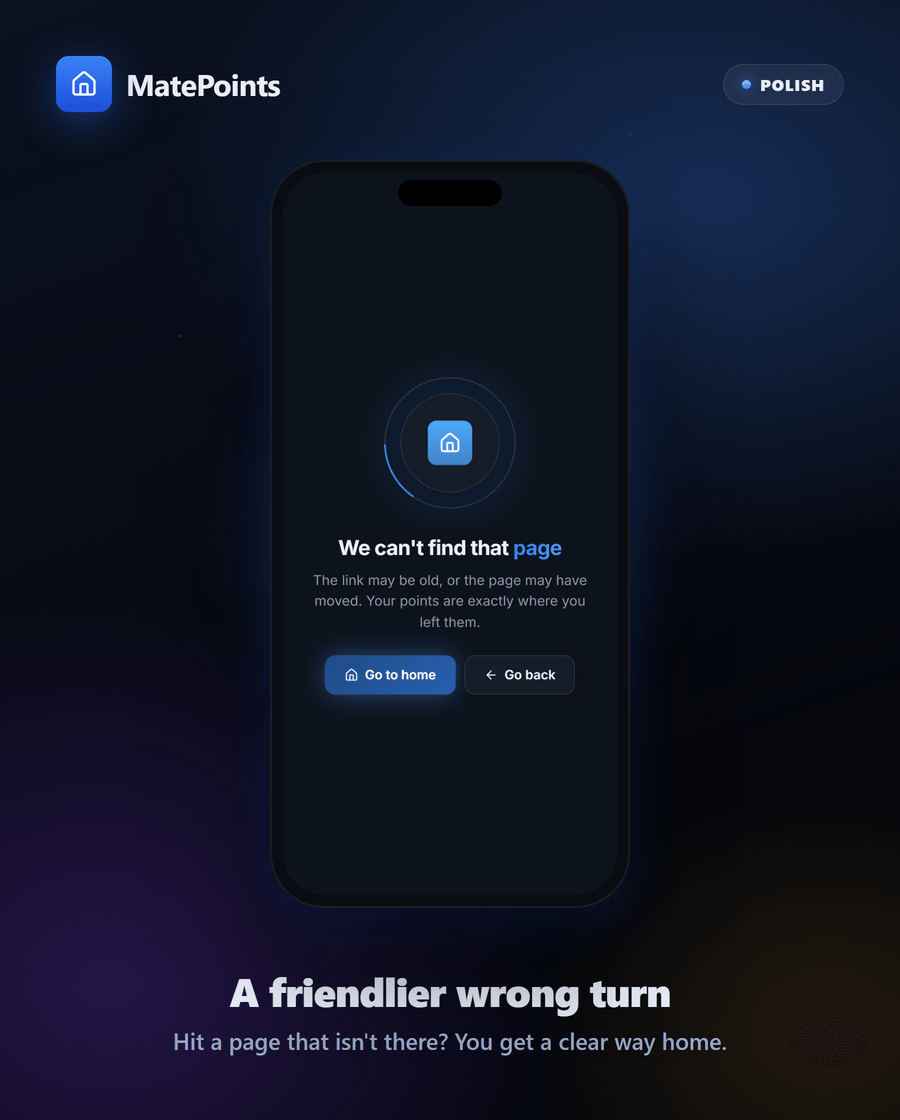
- A friendlier wrong turn. Land on a page that does not exist and you now get a clear way home, or back to where you were.
- A calmer error screen. If something breaks, you can refresh or go back, and you get a reference code to quote if you contact us.
- Plus fixes and small improvements throughout.
2.4.0 is live now at matepoints.app. Go and cheer somebody on. They have probably earned it.
Chores, gamified. The MatePoints team