NFC vs QR codes for chore check-ins
NFC vs QR codes for chore check-ins: which is faster, which works on every phone, where each one fails, and how to test both in your house in a minute.

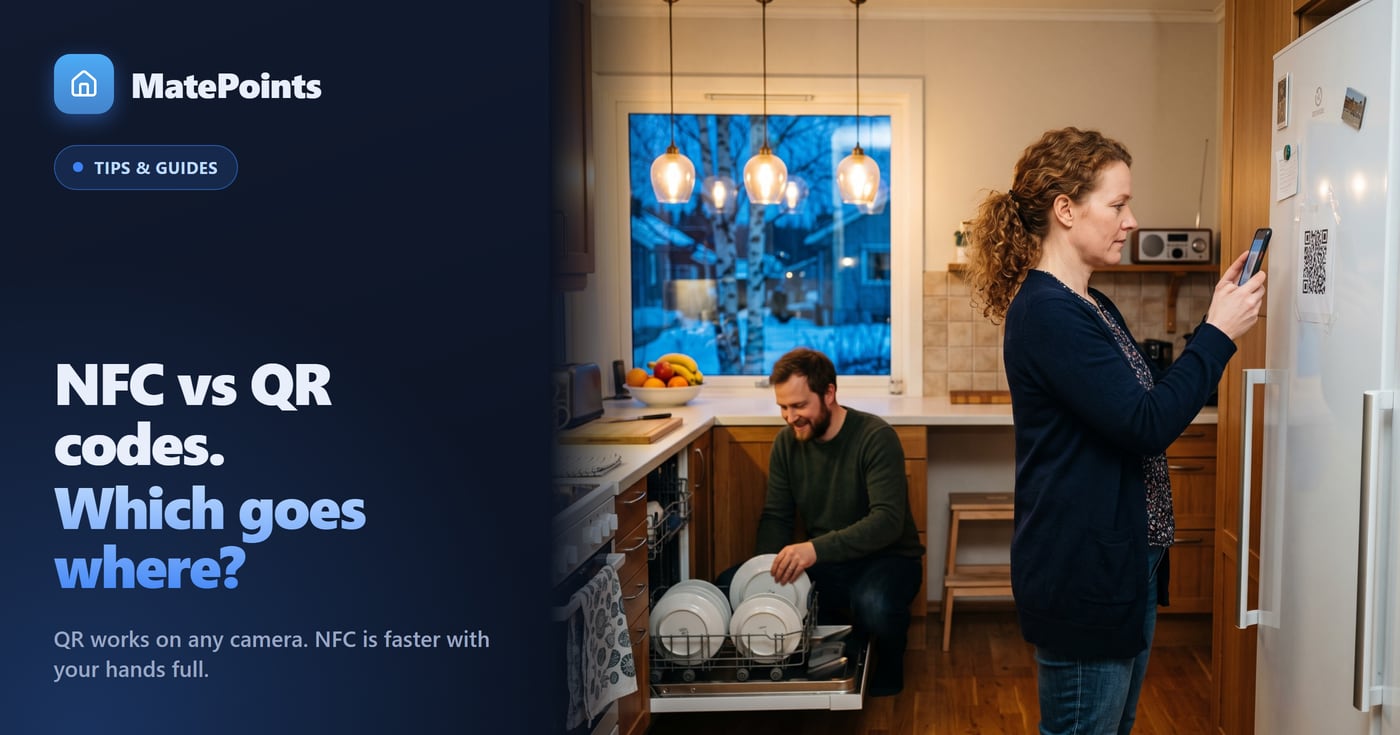
NFC vs QR codes for chore check-ins comes down to two questions: what phones are in your house, and how often will someone log a chore with their hands full. QR works on anything with a camera and costs nothing to print. NFC is faster once it is in place, and harder to fake, because somebody has to physically be there.
Most households end up with both. Here is how to decide where each one goes, and how to test the pair in about a minute before you buy anything.
The short comparison
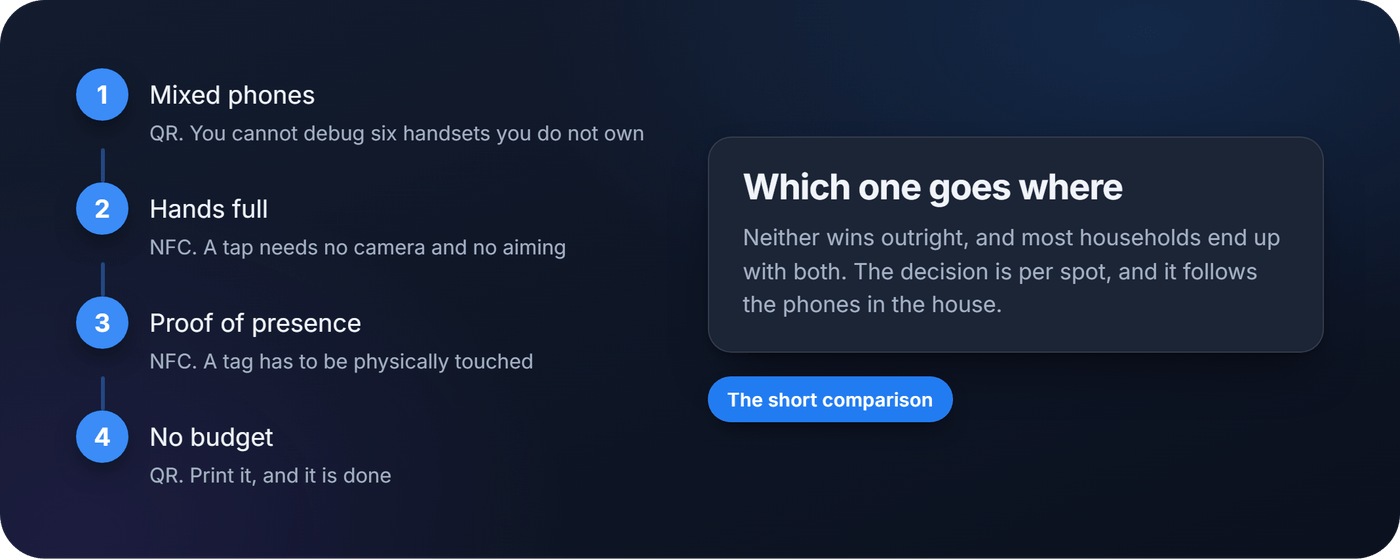
- Compatibility. A QR code works on any phone with a camera. NFC needs a phone with the chip and the setting switched on, and the details of how a tag opens something differ between Android and iOS, and between iOS versions.
- Speed. NFC is a tap. QR means opening a camera, aiming it and waiting for the link to resolve. The gap is a couple of seconds, which sounds trivial and is not, because the whole point is removing friction.
- Cost. QR is free. Print it. NFC stickers cost a little each, and on-metal tags cost more, which you need for anything stuck to a fridge or an oven.
- How they fail. QR fails on glare, damage, bad light and being printed too small. NFC fails on placement, a thick or metal phone case, and the setting being off.
- How they cheat. A QR code can be photographed and scanned later from the sofa. An NFC tag has to be touched. If you care whether someone was actually in the room, that difference is the whole argument.
Test both in your house first
Before buying anything, spend a minute on this.
- Borrow one NFC tag and print one QR code. Any tag, any code.
- Hand both to every person in the house. Not just the person setting this up, because the one who struggles is the one who decides whether the system survives.
- Watch what happens. Who taps without thinking, who opens the wrong app, whose phone does nothing at all.
- Note the blockers. NFC switched off in settings, a phone without the chip, a case too thick to read through, a locked screen.
That minute tells you more than any comparison article, this one included. If half the house cannot make NFC work on the first try, the decision is made.
Place them where the hands already are
Placement causes more failures than the technology does.
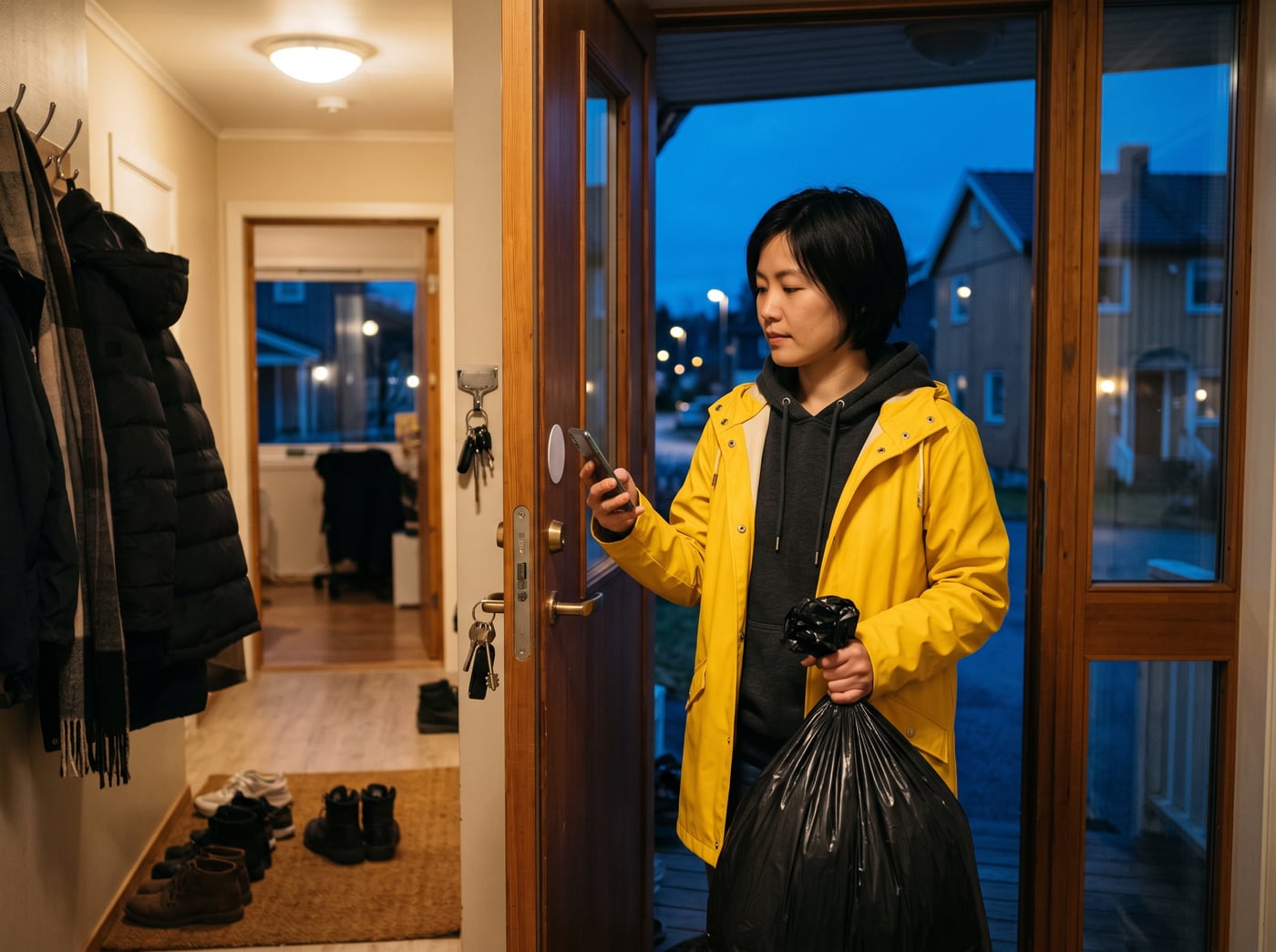
- On the object, not near it. On the machine, the bin lid, the inside of the cabinet door. Not the wall opposite.
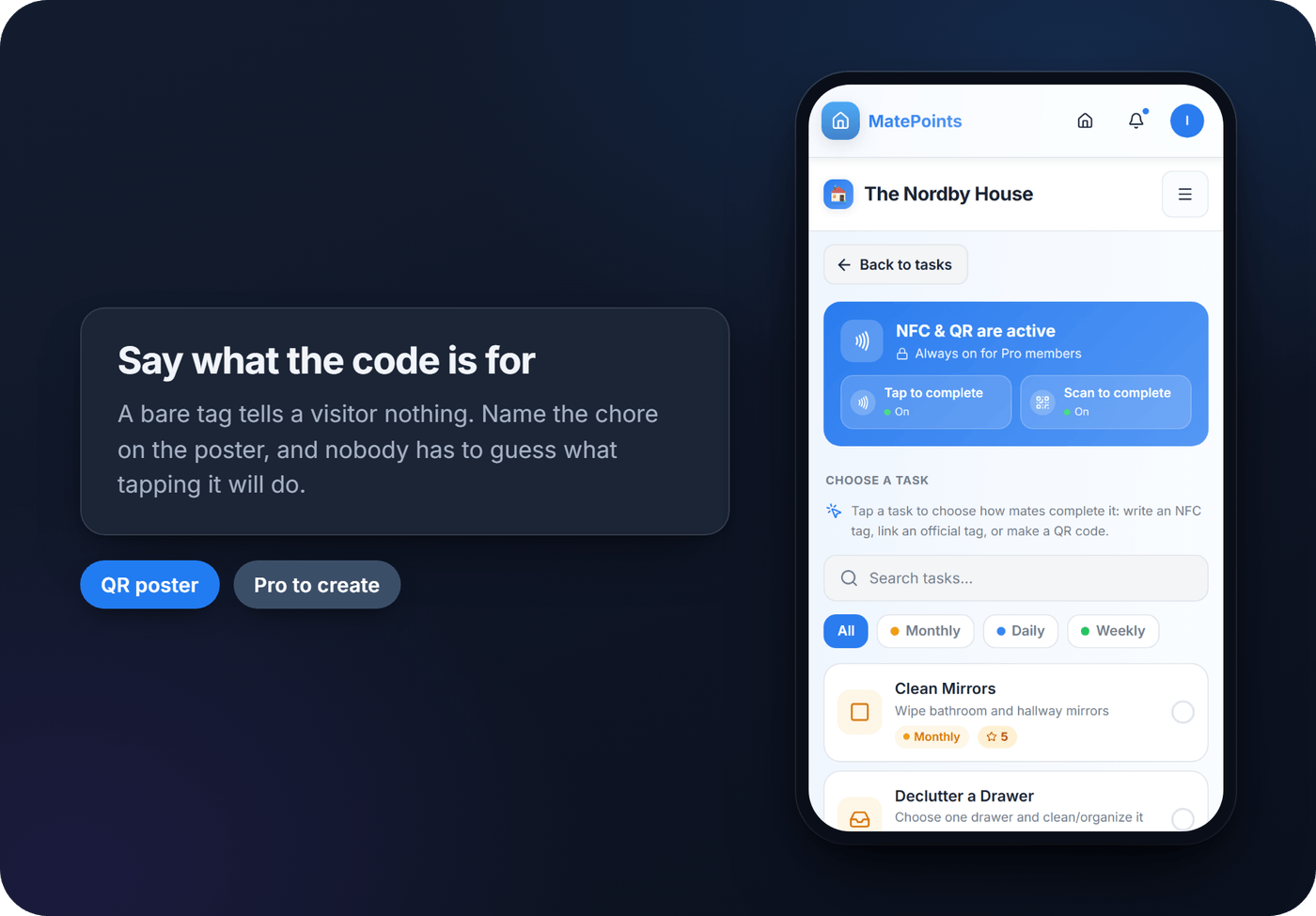
- Say what it is. A bare tag tells a visitor nothing. A small printed label next to it, or a QR poster with a title on it, removes the guesswork for anyone using it the first time.
- Mount it properly. Adhesive-backed tags inside a cabinet door outlast tape on a painted wall.
- Laminate paper. Anything near a sink, a shower or a kettle warps fast.
- One tag, one chore. A tag that clears several jobs gets tapped out of habit and credits work nobody did.
- Name them consistently. Map the tag to "Empty kitchen bin", and keep that naming for every other one, so the list still makes sense at twenty tags.
Confirmation matters more than the method
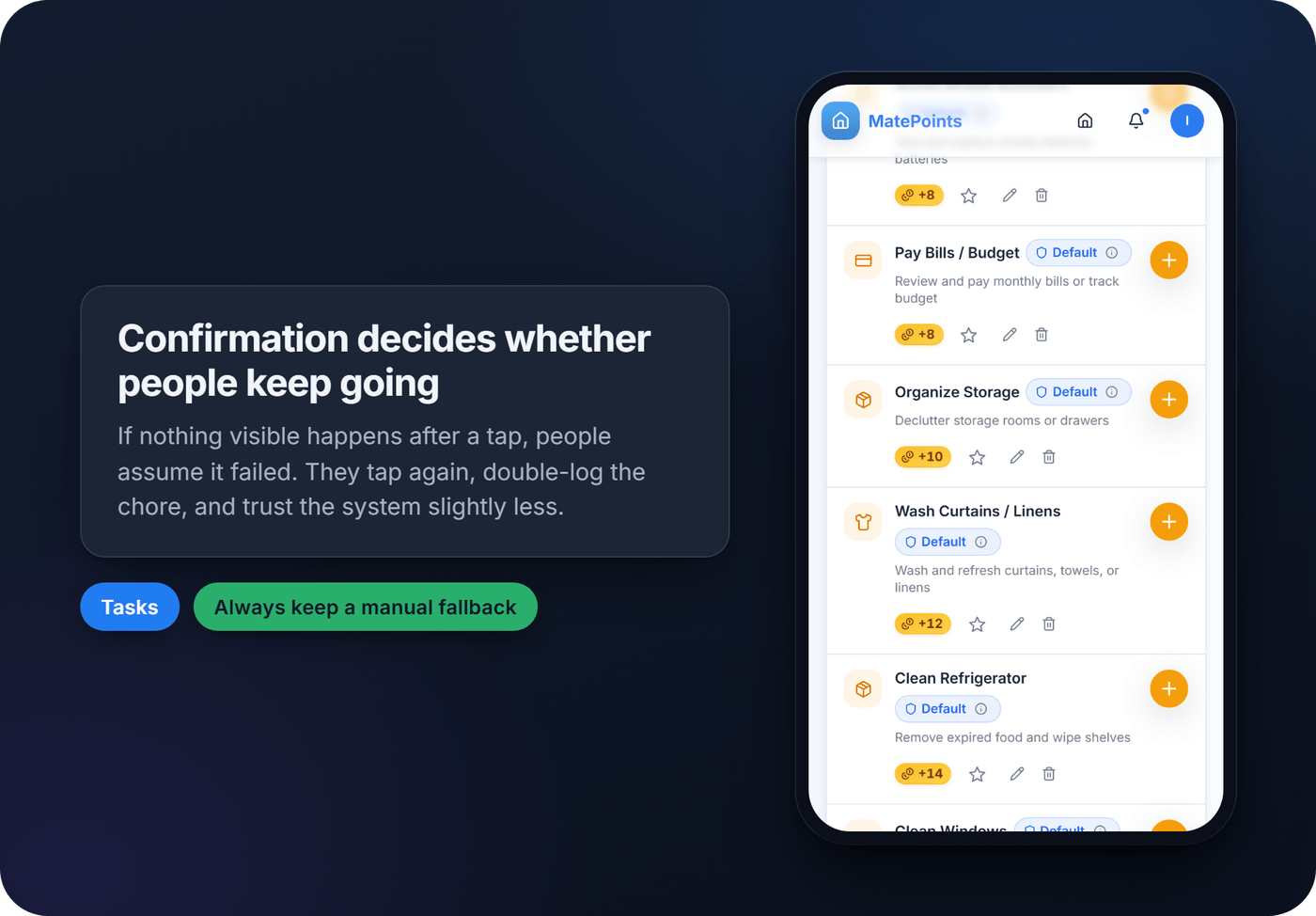
Whichever you pick, the thing that decides whether people keep using it is what happens in the second after the tap. If nothing visible occurs, people assume it failed. They tap again, double-log the chore, and trust the system slightly less.
This is measurable rather than a hunch. In a 2024 proof-of-concept study in JMIR Serious Games, Lieder and colleagues tested a chatbot pairing goal-setting and reminders with immediate computed point feedback. Over 40 days the group getting that feedback performed the target behaviour a mean of 14.71 times against 11.64 for reminders and feedback alone. The same paper is clear that once it stopped, the difference stopped with it, so treat immediate confirmation as what keeps a running system running, not as a way to build a permanent habit.
In practice: a visible confirmation on screen, a sound or a buzz, and the points appearing straight away. And always a way to log a chore by hand, because one dead tag should never block one job.
When a tap or scan will not register
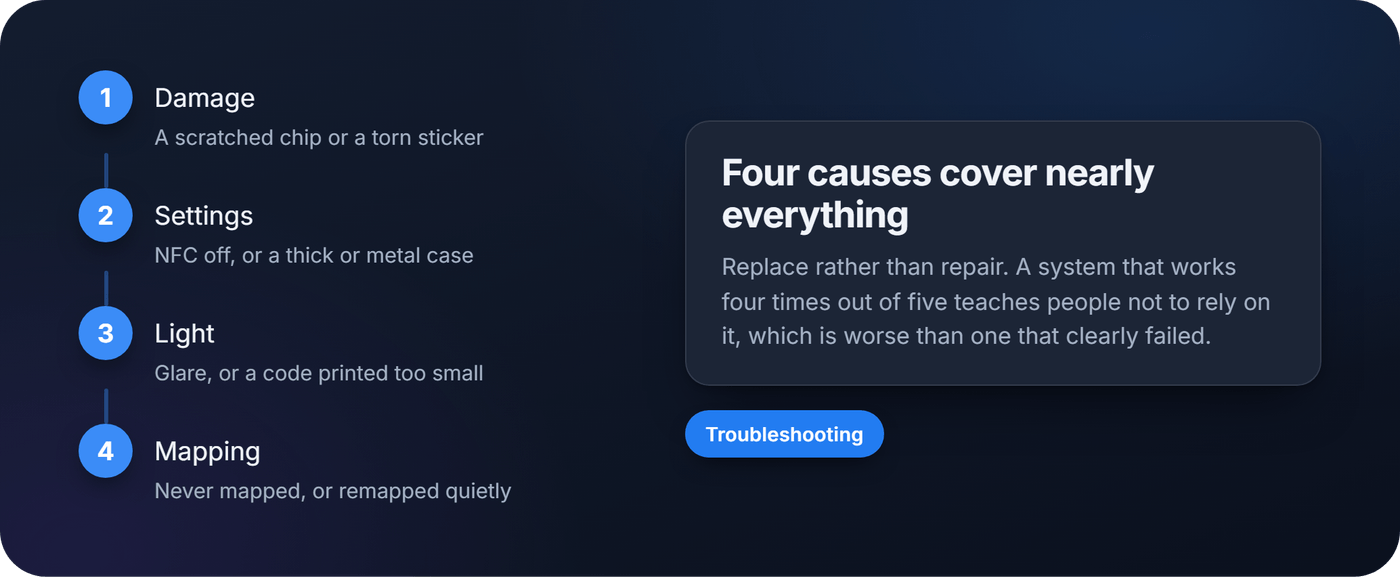
Four causes cover nearly everything.
- The tag or code is damaged. A scratched chip or a torn sticker is done.
- The phone setting is off, or the case is too thick or too metallic.
- The light is wrong for a QR code, or it was printed too small.
- It was never mapped, or it was remapped and nobody said.
Replace rather than repair. An intermittent tag is worse than a dead one, because a system that works four times out of five teaches people not to rely on it. For a broader look at keeping the record trustworthy, our guide to chore completion tracking covers the approval side.
Keep the tag boring
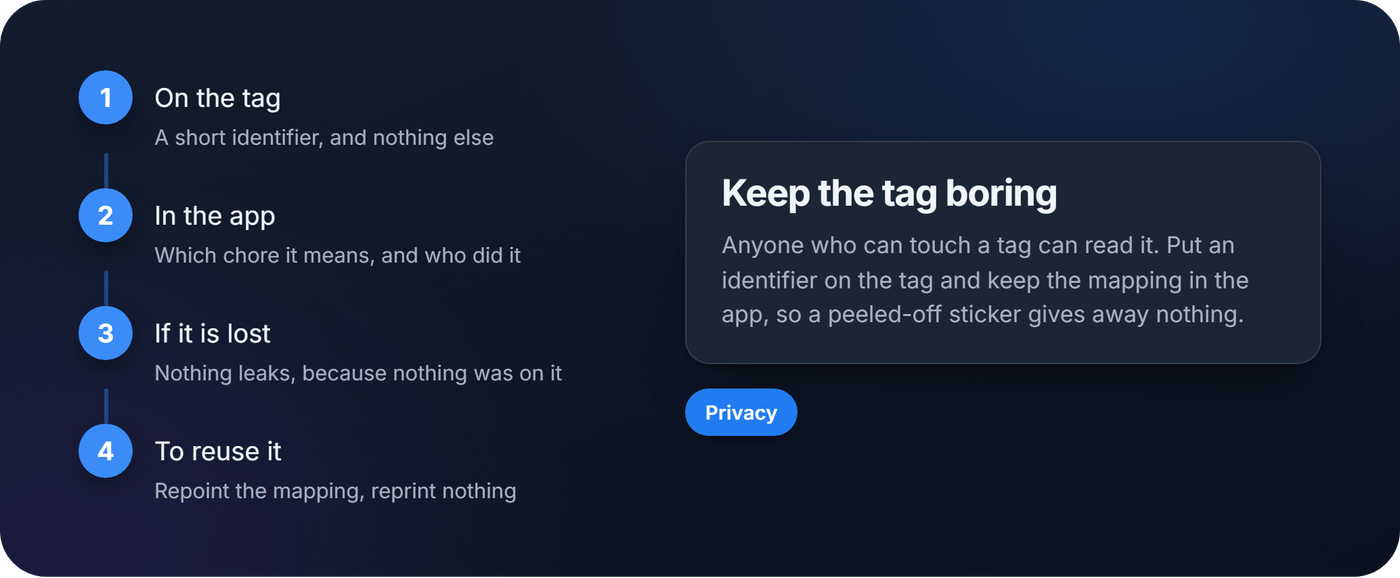
Never put anything personal on a tag or in a QR code. Both are physical objects that anyone in the house, and anyone visiting, can read.
The safe pattern is the one good systems already use: the tag carries a short identifier and nothing else, and the mapping from that identifier to a chore lives in the app. That way a peeled-off sticker or a photographed code gives away nothing, and you can point the same tag at a different chore without reprinting anything.
The same caution applies to anything that acts on a completion automatically. Validate it server side before anything else happens, because a stray tap or a shared link should never be able to set something off on its own.
Which one for which household
- Young children in the house. QR with a big picture on the poster. A child who cannot yet read can match a picture, and an unmarked NFC sticker looks like nothing at all.
- Housemates sharing appliances. NFC by the machine. It is the fastest option for the jobs people do while carrying something, and it is the one that cannot be faked from another room.
- Mixed phones, or you do not know what people own. QR, at least to start. You cannot debug six handsets you do not have.
- More than one home. Consistent naming matters more than which technology you choose. Future you, looking at a list of tags, will care about that and nothing else.
Durability is the last thing people think about and the first that bites. Kid-facing tags get touched, peeled and occasionally chewed. Use hard plastic tags or laminate there, and accept that you will replace them.
The answer keeps moving
Most comparisons treat this as a contest with a winner. It is not. The right default changes when the household does: a new baby, a parent moving in, a housemate with an older phone. The households that keep a chore system running for years are the ones that revisit the setup, not the ones that picked correctly the first time.
If you are starting today, start with whatever hardware you already own, change nothing else for a week, and see whether the problem was ever really the tap or the scan. Usually it was the confirmation, or the chore, or the reward.
Marcus
Doing both in MatePoints
MatePoints supports both. For any task you can write a blank NFC sticker over Web NFC, or generate a branded QR poster you can download, share or print. Both encode the same thing: that task's completion link. A tap or a scan opens the completion page, the points post to whoever did it, and an approval step can sit in front of the credit where a chore is worth arguing about.
Nothing identifying goes on the tag itself. It carries the task's link, and everything else lives in the app, which is the pattern described above. There is more on what is stored and who can see it on our privacy and security page.
Two things to plan for. Creating tags and QR codes is a Pro feature, and tap-to-complete needs the household to have a Pro owner before a tap will complete anything. Once that is set up, everyone in the household can tap or scan, including members on the free plan. And MatePoints does not connect to smart-home devices, so a completion does not trigger anything outside the app. The Subscription page shows the current limits for your account.
If tags feel like a step too far for now, a shared task board covers the same ground with nothing to stick anywhere.
Sources
- Gamification of Behavior Change: Mathematical Principle and Proof-of-Concept Study, Lieder, Chen, Prentice, Amo and Tošić, JMIR Serious Games, 2024
- NFC tag reading and the Android tag dispatch system, Android Developers documentation
FAQ
Is NFC or QR better for chore check-ins?
Neither wins outright. QR works on every phone with a camera and costs nothing. NFC is faster and cannot be used from another room. Households with mixed phones usually start on QR and add NFC where speed matters most.
Do I need a special phone for NFC chore tags?
You need a phone with an NFC chip and the setting turned on. Most modern phones have one, but how a tag opens an app differs between platforms and versions, so test the actual phones in your house before tagging every room.
Why will my tag or code not scan?
Usually physical damage, NFC switched off, a thick or metal case, or glare on a printed code. Try a different angle first, then replace the tag rather than trying to rescue it.
Is it safe to stick QR codes and NFC tags around a shared home?
Yes, as long as the tag carries only an identifier and nothing personal. Anyone can read a tag they can touch, so the mapping from tag to chore belongs in the app, where you can change it without reprinting anything.