QR code chores: set one up in an evening
QR code chores in one evening: where to put the codes, how big to print them, how to test them, and the house rules that keep people scanning.

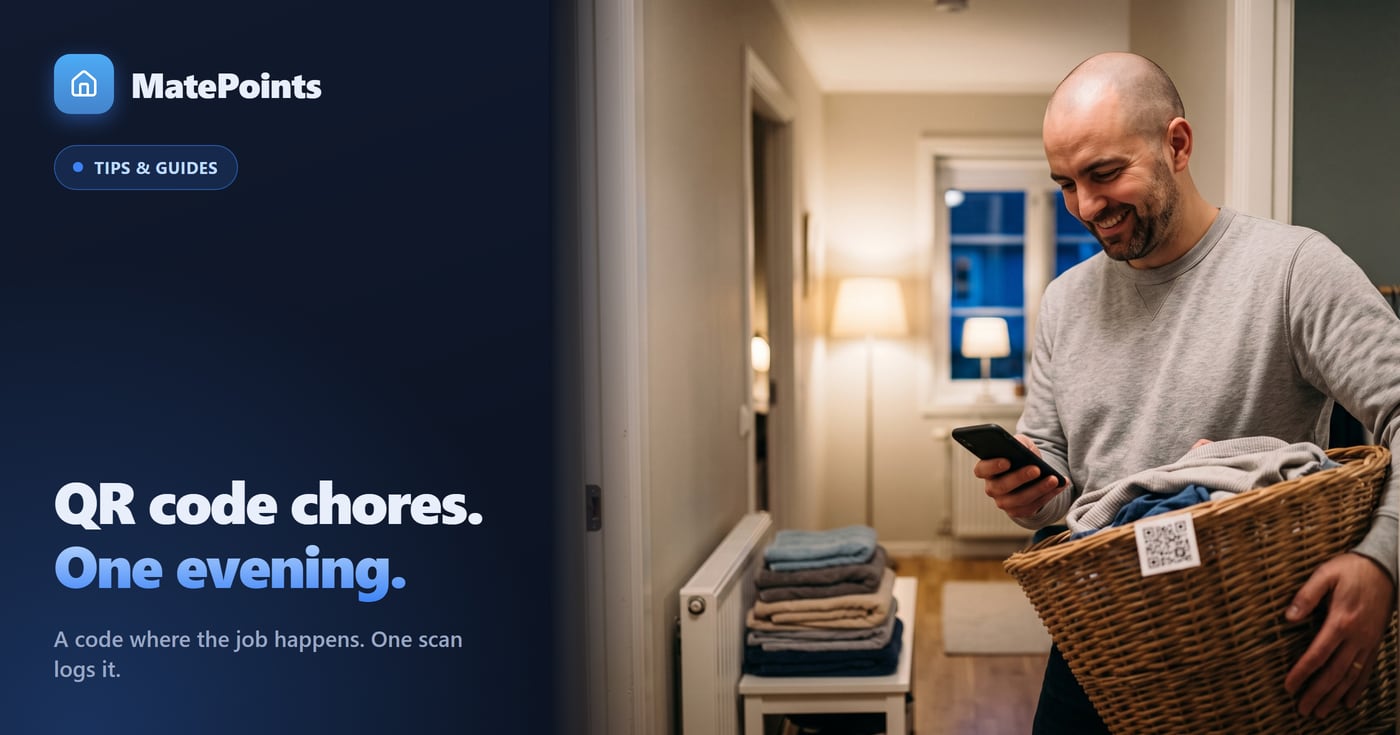
QR code chores tie a spot in your home to the job that happens there. A code on the laundry basket, the kitchen bin or the pet bowl opens that chore on your phone. One scan logs it as done, with a timestamp and a name, and can send it for approval before any points land.
They work best for chores that belong to a place, jobs that leave a visible result, and households that want a simple record of who did what. You can have a working version by the end of one evening. Here is how to plan it, print it so it scans first time, and set the house rules that keep people scanning after the novelty goes.
How QR code chores work
The mechanics are simple once you split them into parts. A household account holds the people, the chores and the rules that connect them. The QR code is only a doorway to the right chore at the right moment.
Start with roles. Someone sets up the chores and rewards, someone confirms the work, and everyone completes tasks. In a lot of families the same adult does the first two. Approval only works if somebody is actually checking, so decide who that is before you print anything.
Then define each chore. A name, how often it happens, and a point value. A five-minute rinse of the dishes should not be worth the same as scrubbing the bathroom. Our guide to chore points covers how to price them.
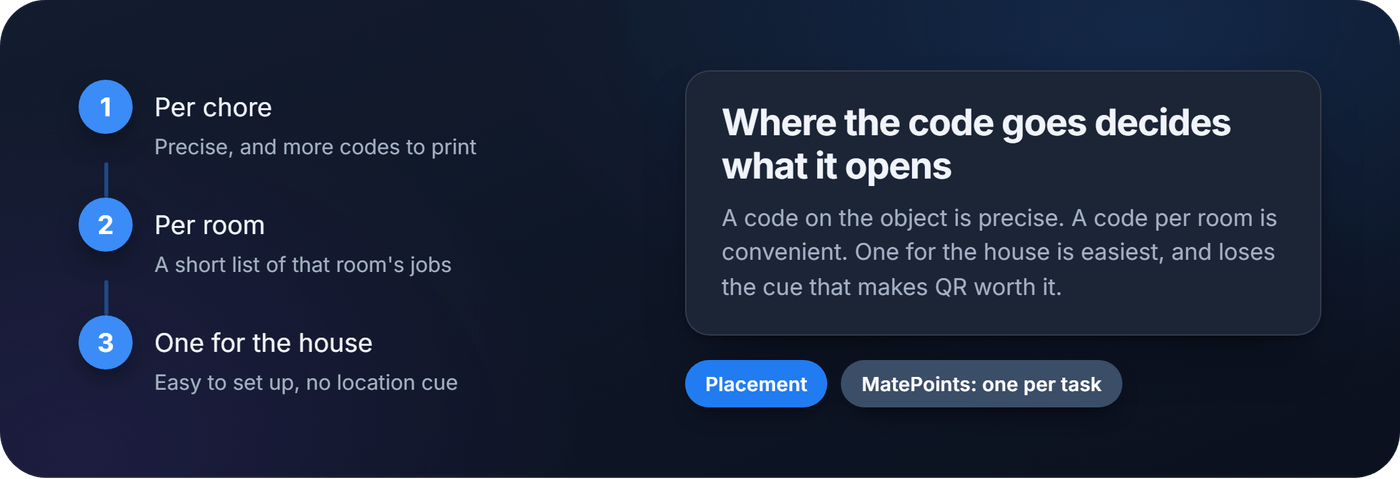
Then decide where the codes go. You have three choices:
- Per chore. A code on the vacuum opens only the vacuuming. Precise, but you print more codes.
- Per room. One code on the kitchen wall opens a short list of kitchen jobs. Fewer codes, slightly less direct.
- One for the house. A single code opens the whole list. Easiest to set up, but it loses the location cue that makes QR faster than a paper chart.
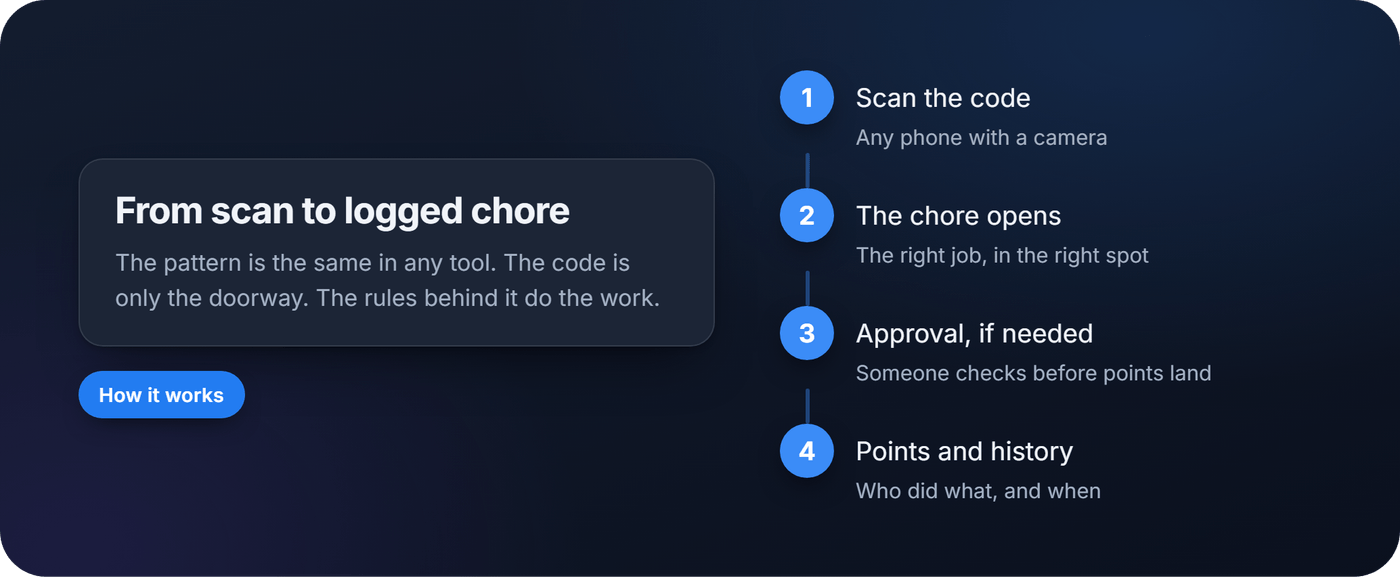
What happens on a scan follows the same pattern whichever tool you use. The code opens the chore, the person marks it done, and the system logs the time. If the chore needs approval, it waits until someone confirms it. Then the points land and the record moves into history, which feeds whatever keeps the household going: a points total, a leaderboard or a streak.
Set it up in one evening
Keep the first version small. The goal is not a perfect system. It is a working one you can test and adjust.
- Pick your tool and create the household. Choose an app that supports QR check-ins, set up the household and invite everyone.
- List five to ten real chores. Give each a point value and decide how often it happens.
- Make the codes, with a label on each. A one-line instruction, such as "Scan when the bin is out", means nobody has to guess what the code does.
- Place them, then test every one yourself. Scan each code, complete a test chore, and walk through the approval step before anyone else touches the system.
- Run it for a week, then simplify. Ask everyone what confused them, and cut or change any rule that got ignored.
Pro tip: Run the whole cycle yourself before showing anyone. One dry run catches most labelling, placement and approval problems before they become family arguments.
A rollout with fifteen chores and three reward tiers is far harder to fix than five chores and one clear reward. Start with the five.
Print codes that scan first time
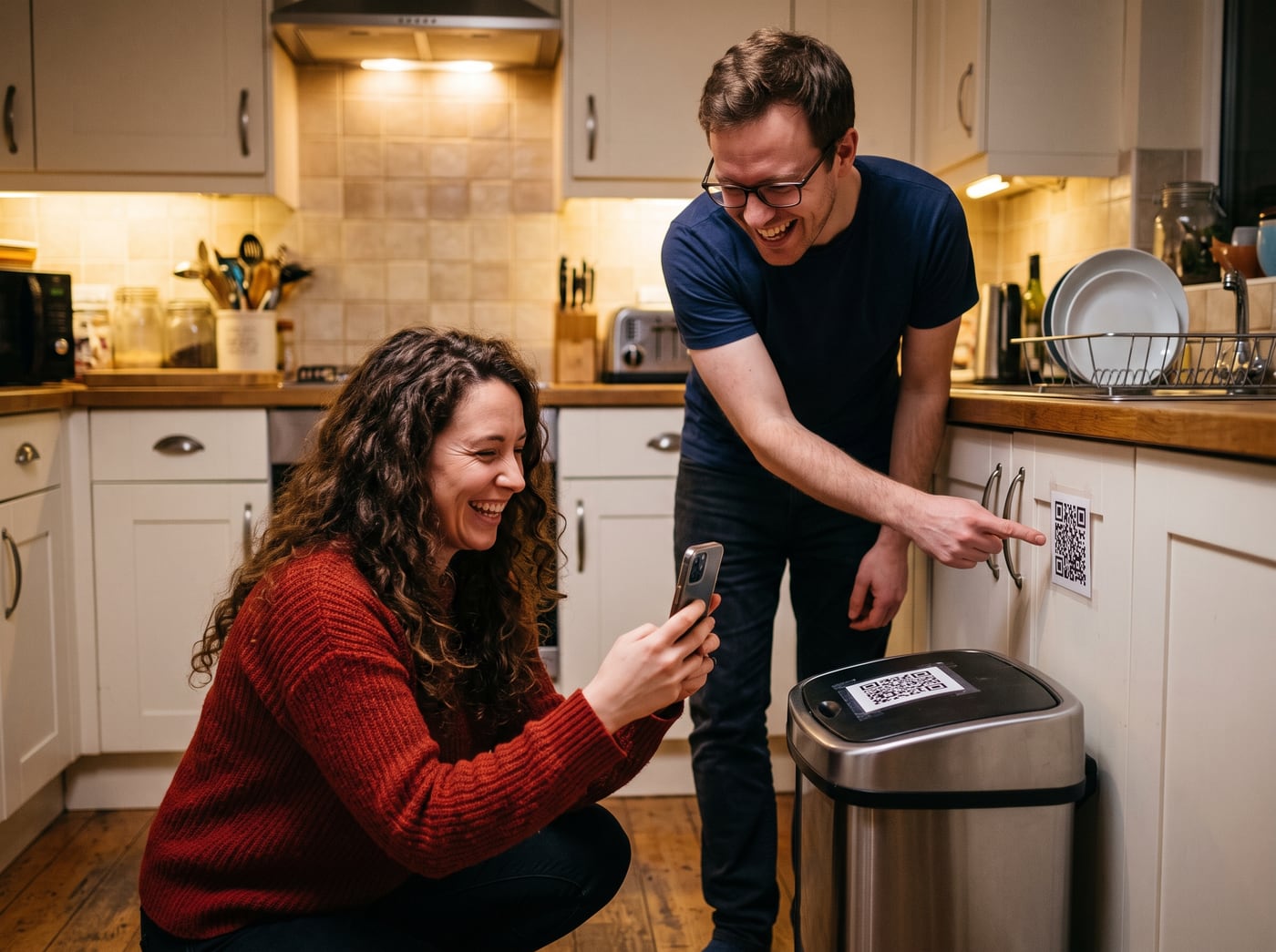
A code that fails to scan is worse than no code at all, because it teaches people to stop trying. Getting the print right takes a few minutes.
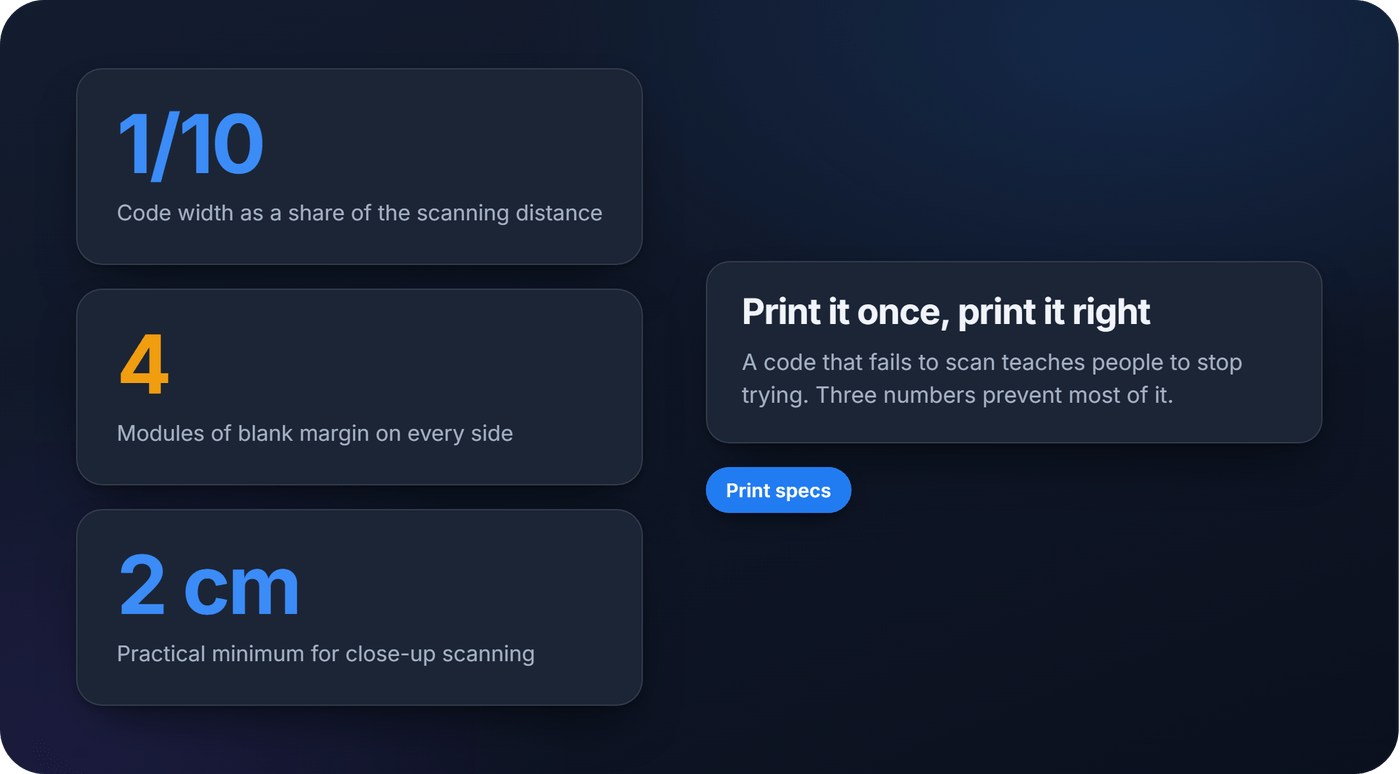
- Size. A common rule of thumb, which OpenQR's print guide gives as "at least one tenth of the distance people will scan it from": a 3 cm code for scanning at 30 cm. It puts the practical floor at about 2 by 2 cm.
- Quiet zone. DENSO WAVE, which invented the QR code, states that a code "requires a four-module wide margin at all sides". A decorative border printed too close is a classic reason a code will not read.
- Contrast. Dark code on a light background, no gradients, and nothing busy behind it. Watch for glare from glossy lamination.
- Error correction. QR codes carry four levels, from L, which can recover about 7% of the code, to H at about 30%, according to DENSO WAVE. A higher level survives more dirt and damage, which matters beside a sink.
- File format. OpenQR recommends a vector file, SVG or PDF, or a PNG at a minimum of 300 DPI.
- A fallback. Print the chore's name under the code, so a failed scan still tells people what the code was for.
Then check what the code opens. A slow page kills a habit faster than a bad print. A 2016 Google study found 53% of mobile visits were abandoned when a page took more than three seconds to load. That was shoppers, not households, but nobody waits longer at a laundry basket.
Test on the real thing, in the real spot. Scan every code on at least two phones, ideally one iPhone and one Android, at the actual distance and in the actual light where it will live. Glare, texture and curved surfaces cause failures that never show on a screen. QuickQRTools' scan-testing checklist names the usual suspects: codes printed too small, missing quiet zones, weak contrast, and slow or broken destinations.
Rewards that keep people scanning
Points feel like the fun part, but a badly designed reward loop backfires quickly. A few rules hold up in most homes:
- Make the rules explicit, and open to change. Rotate the unpleasant chores, match points to effort, and revisit both if someone feels short changed.
- Choose rewards the household actually wants. A shared outing or picking the takeaway beats a prize nobody asked for.
- Keep checking light. Require approval where disputes happen, not on every chore.
- Do not rely on the leaderboard alone. Pure ranking rewards speed and volume, which can discourage whoever is already behind.
- Start with a pilot, not an economy. One week and one reward tell you more than ten reward tiers on day one.
Pro tip: If a reward takes more setting up than the chore it is attached to, redesign the reward, not the chore.
Our guide to gamified chores goes further into which game mechanics survive past the first week.
Privacy and approval rules to agree on day one
A chore tracker can drift into something that feels like surveillance if nobody decides what it records. The concern is real, even in small studies. In a 2026 dissertation by Jun Kit David Tang, which tested a family chore app with seven parent-child pairs, older children objected to parents reading their reflection journals, seeing it as an intrusion into their own space.
Four decisions prevent most of the friction:
- Decide who sees the history. Everyone, or only the adults.
- Set an approval window. Same day, or within 24 hours, so pending chores do not pile up and turn into an argument.
- Collect only what you need. A name and a timestamp are usually enough.
- Agree what happens to old records, before anyone asks.
When a QR chore code will not work
Most failures fall into four groups, and each has a quick fix.
- It will not scan. Check size, quiet zone and contrast first, then glare under the real light. Reprint a larger test if in doubt.
- The link is slow or broken. Check the page on mobile data, not home Wi-Fi. If you made the code yourself, point it at a link you can change later, so a rethink does not mean reprinting.
- Someone is gaming it. Add approval to the one chore causing trouble, rather than adding friction everywhere.
- People are drifting away. Shorten the list, cut unnecessary approval steps, and check the reward still matches the effort.
Two rules worth keeping
Keep the reward loop shorter than the chore itself, and never let an approval sit longer than a day. A stale pending chore is where enthusiasm goes to die.
If you want to test this, pick one room, run it for one week, and use one simple reward. Then look honestly at whether more chores got done, or whether people enjoyed the novelty for three days and quietly stopped scanning.
The real trade-off is between oversight and autonomy. More approval means more accountability, but also more friction, and more chances for someone to feel watched rather than trusted. No setting solves that perfectly. Only one that fits your household right now.
Marcus
Doing it in MatePoints
MatePoints uses one code per task, the first placement above. It does not do room codes or a single code for the whole list. On Pro, you pick a task and either write an NFC tag or generate a branded QR poster with the chore's name, icon and points on it, ready to download, share or print.
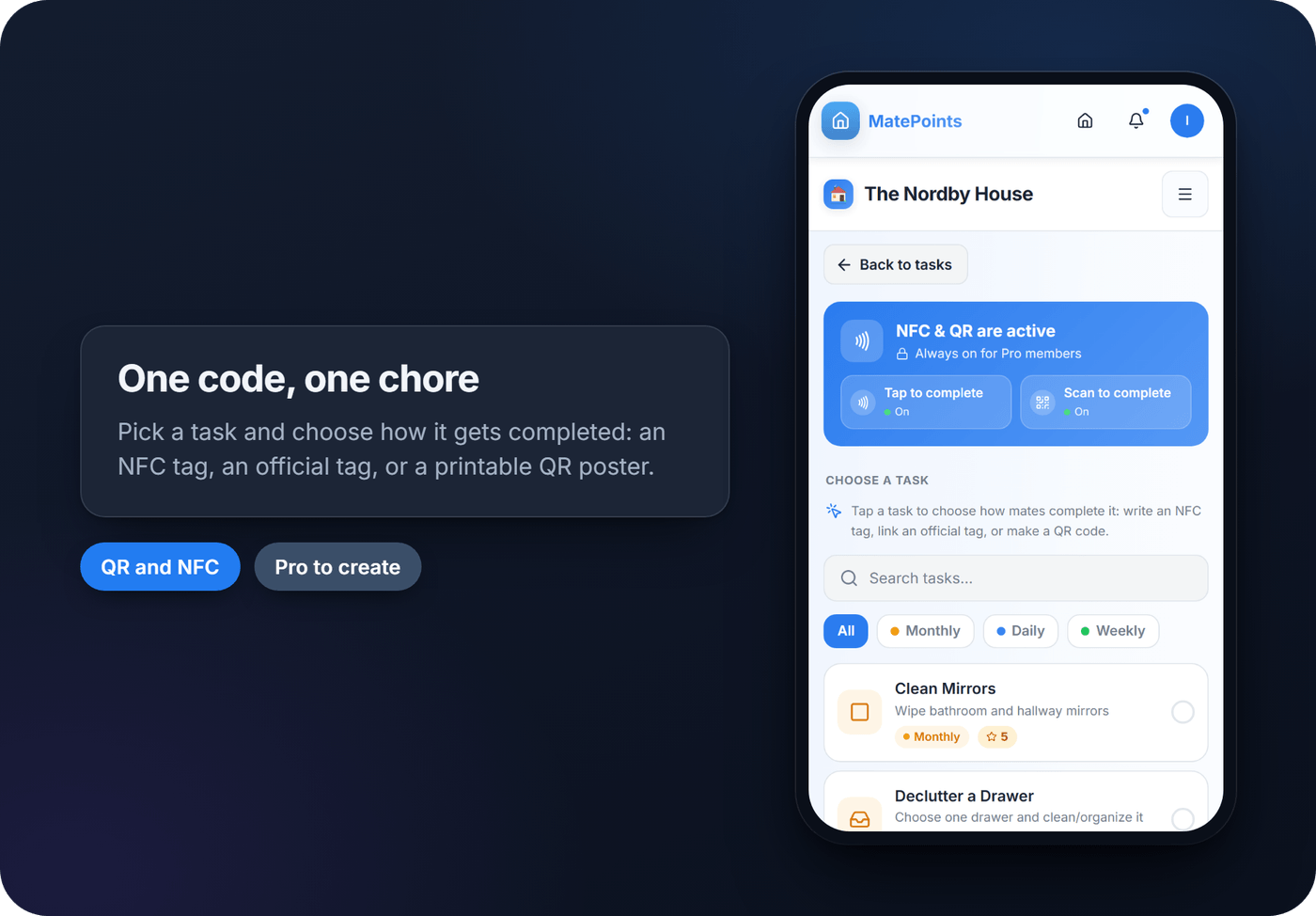
A scan opens that task's completion page on any phone with a camera, no app install needed, and logs the chore to whoever scanned it. Someone not signed in is asked to sign in first, and there is an undo for the wrong code. Then the rest of the loop runs as described:
- Approval, as a household setting, holds a resident's completions until an owner, editor or approver confirms them.
- Points go on the household leaderboard, and into each person's level.
- Rewards, like picking Friday's takeaway, can be attached to an achievement level on Pro and are granted when someone reaches it.
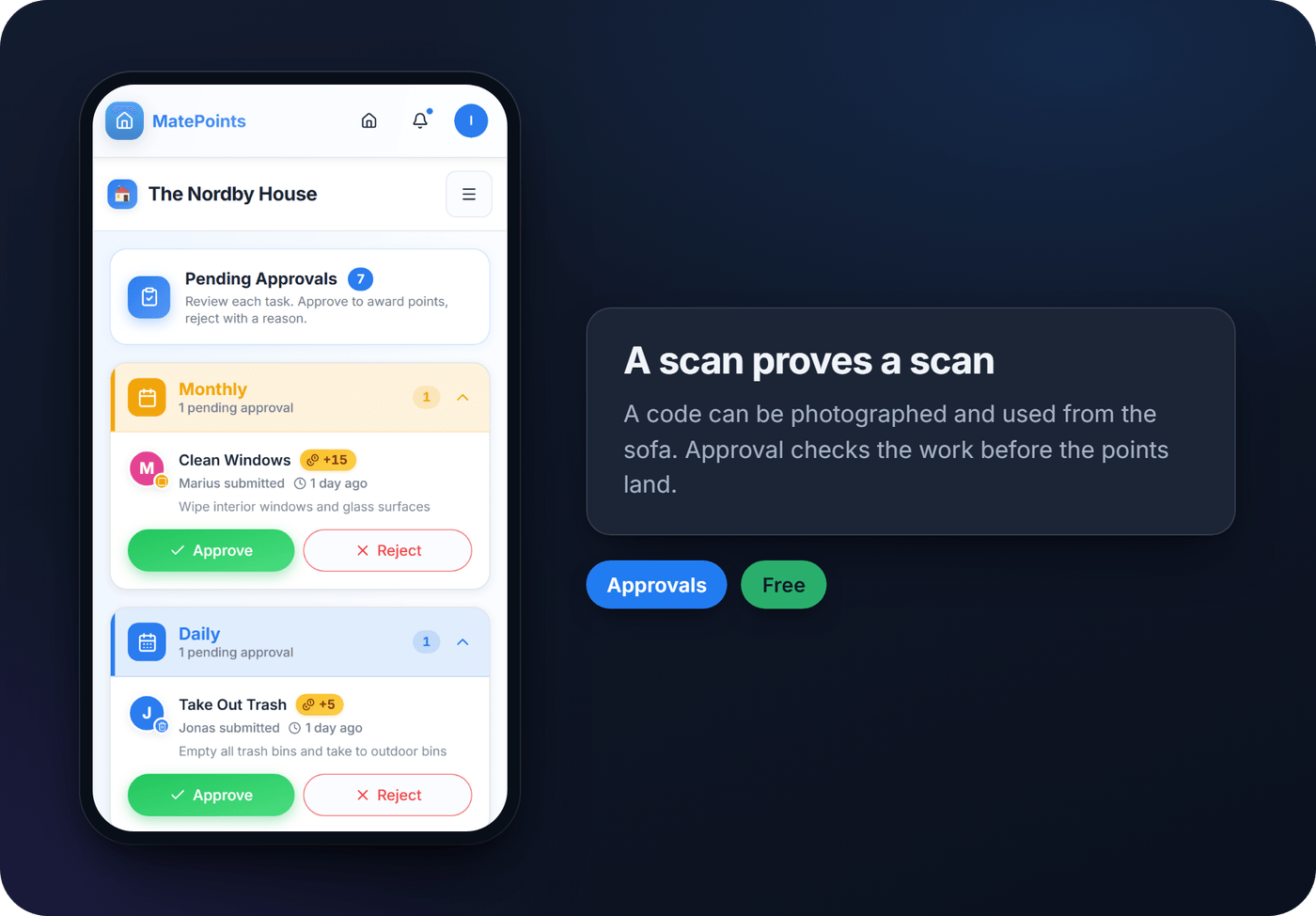
Three things to plan for. Creating codes is a Pro feature, and a scan only completes a chore in a household with a Pro owner. Once that is set up, everybody can scan, free members included. History visibility is set by role: the owner sees everyone's, and everyone else sees their own. And there is no photo proof, location check or automation beyond the app, so a scan proves someone scanned, not that the bathroom is clean. That is what approval is for. The privacy and security page covers what is stored.
For a wider look at keeping the record trustworthy, see our guide to chore completion tracking. You can try MatePoints on the free plan and add codes when you are ready.
FAQ
Can you use QR codes for chores?
Yes. Stick a printed code where the chore happens, and scanning it opens that chore on your phone to log it. It works on any phone with a camera, and codes cost nothing to print.
How big should a printed QR code be?
A common rule of thumb is at least one tenth of the scanning distance, so a 3 cm code for scanning at 30 cm, with about 2 by 2 cm as the practical minimum. Leave a blank margin four modules wide on every side.
Why won't my QR chore code scan?
Usually it is printed too small, has no blank margin, has weak contrast, or is catching glare. Test it on two phones in the real spot and light before printing a full set.
Can a QR code prove a chore was done?
No. It proves someone scanned it, and a code can be photographed and scanned from anywhere. An approval step, where someone checks the work before the points land, covers that gap.
Sources
- Information capacity and versions of QR Code, DENSO WAVE
- Error correction feature, DENSO WAVE
- QR code size for print, OpenQR
- QR scan tester, QuickQRTools
- Many visitors abandon mobile sites if load time tops 3 seconds, ARF via MediaPost, reporting Google, 2016
- Responsibuddies: Reducing Family Conflict through Gamified Household Task Management, Jun Kit David Tang, dissertation, 2026